MagicVio Review: Making MAGI-2 Videos With Sound in Your Browser
A hands-on look at MagicVio, a browser-based MAGI-2 video generator: its three modes, clip limits, credits and plans, privacy, and who it suits best.
AI Image Editor Team ·
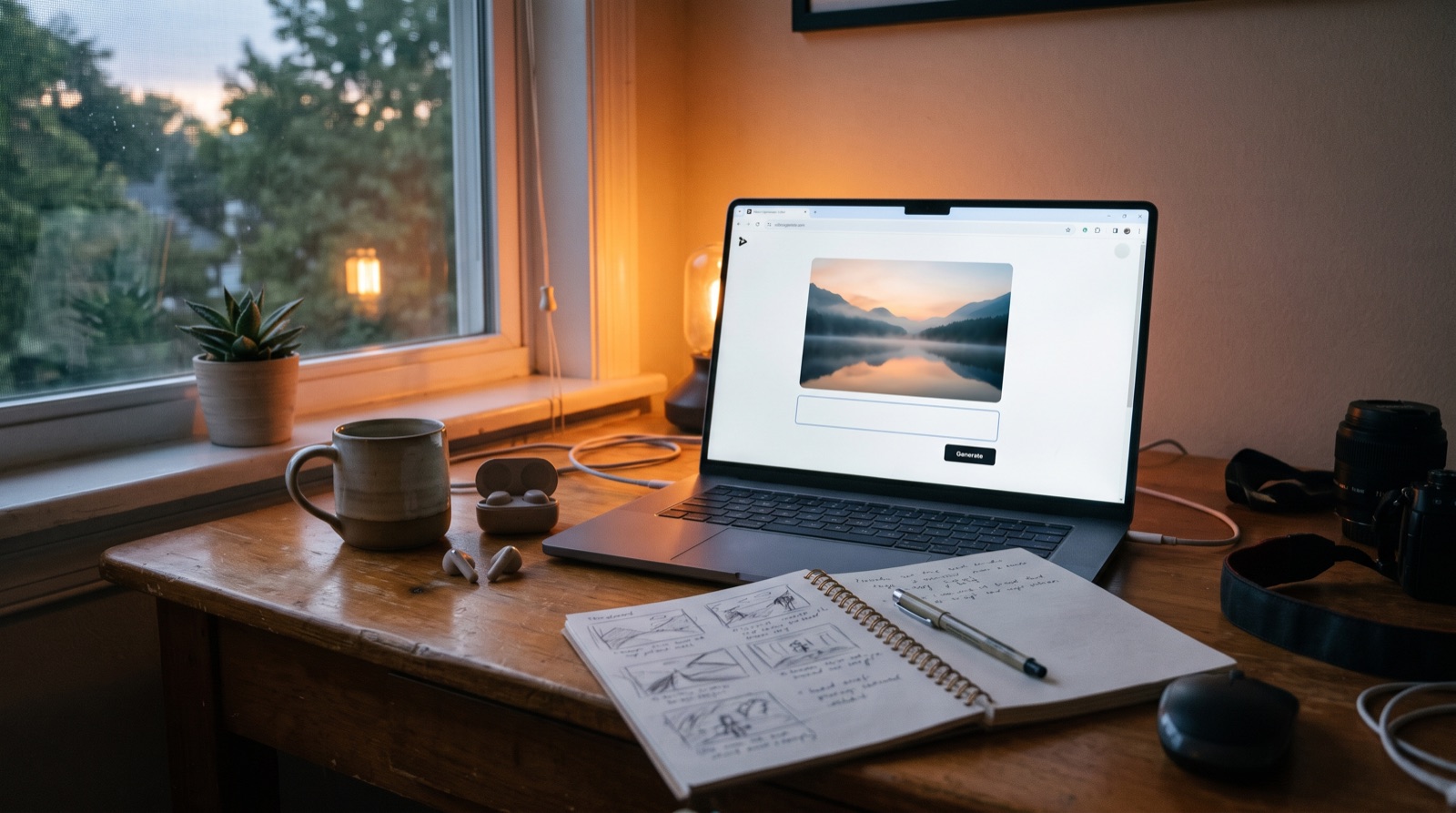
Running a large video model yourself means serious GPUs, model weights and a fair amount of setup. Most creators just want to type a prompt or drop in a photo and get a finished clip back. MagicVio is built for exactly that: a browser-based generator around Sand AI's MAGI-2 model that turns text, a still image or a set of reference photos into a 1080p video with sound.
This review covers what MagicVio does, how its modes and limits work, what it costs, and who it suits. If you are new to the model itself, start with our explainer, MAGI-2 Explained.
What is MagicVio?
MagicVio is a web app focused on a single model: MAGI-2. There is nothing to install. You sign in with Google, write a prompt or upload images, pick a length and aspect ratio, and generate. Finished clips are saved to a personal "My videos" library and download as MP4.
MagicVio says clearly that it is an independent site and is not affiliated with Sand AI, the lab behind MAGI-2. That is the honest way to present a third-party front end for someone else's model.
Three ways to start a video
MagicVio exposes the three entry points MAGI-2 supports:
- Text to Video: describe the scene, the action and the sound, and the model builds everything from scratch.
- Image to Video: upload a still as the first frame (required) and, optionally, a last frame. The clip follows the aspect ratio of your first frame, which keeps your composition intact.
- Reference to Video: upload up to 10 reference images (JPG, PNG or WEBP) and refer to them in the prompt as
@Image1,@Image2and so on. This is the mode for keeping a character, product or location consistent across several clips.

Reference mode is where MagicVio is most useful for small brands. Shoot a product from a few angles once, and you can reuse that reference set for a whole series of catalog or social clips.
Clip specs at a glance
| Setting | What MagicVio offers |
|---|---|
| Length | 4 to 30 seconds, any whole second |
| Resolution | 1080p |
| Aspect ratios | 16:9, 9:16, 1:1, 4:3, 3:4, 21:9 |
| Audio | Optional: dialogue, sound effects and music, with lip-synced speech |
| Prompt length | Up to 15,000 characters |
| Watermark | None, on free or paid videos |
| Output | MP4 download |
The 30-second ceiling is the standout. Many hosted generators still stop at 5–10 seconds, which is too short for a full product demo or a scene with dialogue.
The aspect-ratio choice matters more than it looks. Choose 9:16 for Reels, Shorts and TikTok, and 16:9 for YouTube and websites. Generating in the right shape from the start means you never have to crop away resolution later.
Native sound is the real upgrade
MAGI-2 generates audio together with the picture, and MagicVio exposes this as a simple Generate audio toggle. With it on, you can write the soundtrack straight into the prompt:
- ambience ("rain on a tin roof", "quiet café chatter")
- effects tied to on-screen action ("a wok hisses as the noodles hit the flame")
- dialogue in quotes, with the speaker named, which MagicVio lip-syncs
- music, and when it should start
For short ads, social posts and storyboards, this removes the separate step of sourcing and syncing audio in an editor.
Pricing and credits
MagicVio uses credits, charged per second of video. At the time of writing:
- 3 credits per second for every mode, at 1080p with audio. A 5-second clip costs 15 credits; a 30-second clip costs 90.
- 15 free credits on your first Google sign-in, with no card required. That is enough for one 5-second test clip.
- Monthly plans: Lite ($19.90 for 200 credits), Pro ($39.90 for 700 credits) and Max ($99.90 for 2,000 credits). Plan credits reset each month.
- One-time credit packs that never expire, for occasional use.
- Failed generations are refunded in full, and the credits return automatically.
Credits are used in a sensible order: free credits first, then plan credits, then pack credits. Check the pricing page for current numbers before you buy, since plans and prices can change.
Privacy and rights
Two points worth knowing before you upload client work:
- Uploads are short-lived. MagicVio says uploaded images are sent only when you press Generate, used only for that video, and deleted automatically within 24 hours.
- Commercial use is allowed for both free and paid videos under its terms of service, and there is no watermark to remove.
As always, read the full privacy policy and terms if you work with sensitive material.
Who is MagicVio for?
- Marketers and small brands who need short product clips with sound without hiring a crew or learning a video editor.
- Social creators making vertical clips where an on-screen line of dialogue or a sound cue matters.
- Filmmakers and storyboard artists sketching previs with timing and atmosphere already in place.
- Anyone curious about MAGI-2 who wants to try the model without setting up local hardware.
It is less suited to people who want to fine-tune the model or run it offline. For that, the open-weights MAGI-2 Preview release is the better starting point.
Getting good results
A few habits make a big difference on any MAGI-2 front end:
- Test at 5–8 seconds first, then generate the full length once the motion and sound look right.
- One camera move per shot. "Slow push-in" beats "orbit, zoom and tilt at once".
- Write the sound into the prompt, or the model will choose it for you.
- Use a first frame or references whenever you already have the look you want.
Verdict
MagicVio takes one of the most capable new video models and wraps it in a simple, honest interface. There is a clear per-second price, a free trial clip, no watermark and short-lived uploads. If you want 1080p MAGI-2 clips with native sound, up to 30 seconds long, without touching a GPU, MagicVio is an easy place to start.
Further reading on MagicVio
Guides from creators using MagicVio for real projects, from product clips to event recaps:
- Treat first frames, last frames, and references like build inputs (DEV Community): MAGI-2's three input modes, and why shot-by-shot prompts are easier to review.
- A prompt pattern for dialogue, room tone, and a music cue (PromptZone): a reusable prompt block for shot timing, quoted lines, ambient sound and music entry.
- Turning a still image into a video by using it as the first frame (note, in Japanese): image-to-video with a required first frame and an optional last frame, plus motion and sound cues.
- Turning a packshot into a short ad without booking a crew (WriteUpCafe): using a product photo as the first frame of a vertical ad, and reference mode for consistent clips.
- A kitchen-table catalog clip from the product photos you already took (Blogger): turning existing product photos into a short catalog clip with one camera move per shot.
- MAGI-2 on MagicVio: modes, tags, and official limits (GitBook): a reference page for MagicVio's modes, reference tags, clip limits and credit costs.
- A short event recap from mixed photos of the same room (Wix): building an event recap from a folder of mixed photos used as tagged references.
- Clear a travel still into a short motion note without rewriting the place (Jimdo): animating a travel photo while keeping the real location intact.
- One camera move per shot is the briefing rule that saves a take (Mataroa): why a single camera move per shot, with 2–6 second shot timing, gives more usable takes.