MAGI-2 Explained: Sand AI's Next Step in AI Video With Native Sound
What MAGI-2 is, how it differs from MAGI-1, what the open-weights Preview and the November 2026 release offer, and how to get good results from it.
AI Image Editor Team ·
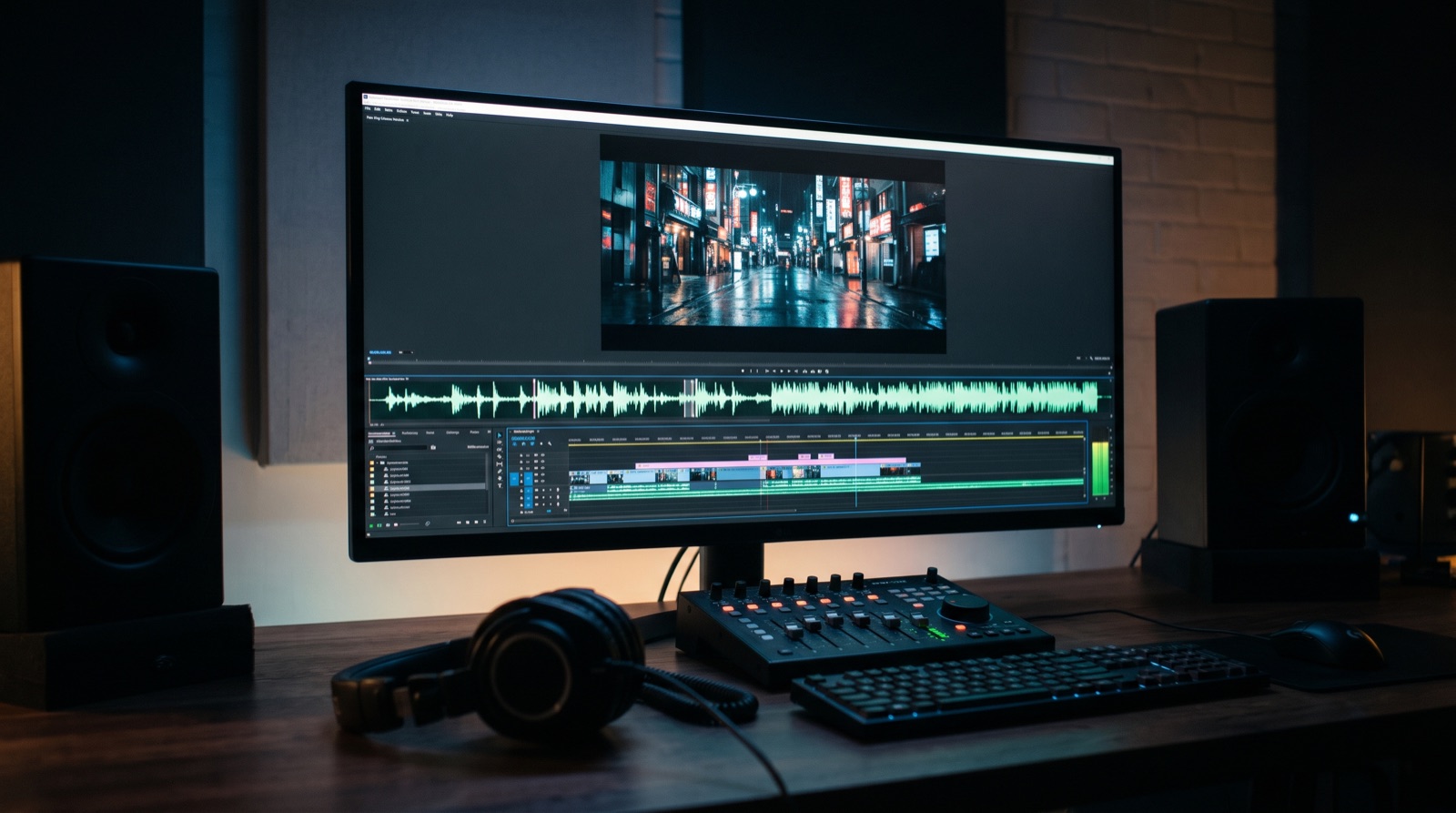
AI video models used to stop at short, silent clips. You generated a few seconds of footage, then went looking for music, sound effects and a voice-over, and stitched it all together in an editor. MAGI-2 is one of the models trying to remove that step: it generates the picture and the sound together, in one pass.
This post covers what MAGI-2 is, how it differs from its predecessor, what has actually been released so far, and how to write prompts that get good results.
From MAGI-1 to MAGI-2

Sand AI's first model, MAGI-1, stood out for one design choice: it was autoregressive. Instead of denoising a whole clip at once, it generated video chunk by chunk, with each new chunk conditioned on the ones before it. That made long, coherent shots easier and allowed a clip to be extended without starting over.
MAGI-2 keeps that line of thinking and adds two big things:
- Audio as a first-class output. Text, video and audio tokens are placed into a single unified sequence that the model processes together. Because the sound is generated alongside the frames instead of being added later, footsteps, dialogue and ambient noise can line up with what is on screen.
- Much more scale. MAGI-2 moves to a mixture-of-experts (MoE) architecture, which lets the total parameter count grow large while only a fraction of the network is active for each token. That keeps generation practical even as the model gets bigger.
Two releases: Preview and the full model
There have been two MAGI-2 releases, and it helps to keep them apart.
MAGI-2 Preview (August 2026). This is the open-weights release, published with code on Hugging Face and GitHub. It is reported to be a roughly 114B-parameter MoE model that generates around 10-second clips with synchronized audio. For developers and researchers, the Preview is the version you can download, run and fine-tune yourself.
MAGI-2 (late November 2026). The newer, larger model is aimed at production work. Reported capabilities include clips of up to 30 seconds at 1080p, again with native sound. At the time of writing, Sand AI has said it plans to publish the flagship weights and a more detailed technical report, but has not done so yet. So treat third-party spec sheets with some caution until the official documentation is out.
What MAGI-2 is good at

- Longer single shots. The autoregressive heritage shows in clips that hold together over more seconds than most models manage, with fewer sudden jumps in identity, lighting or layout.
- Sound that matches the picture. A door slams when it closes on screen; rain sounds like rain on the surface you can see. This is the main practical gain for creators. A usable draft no longer needs a separate audio pass.
- Talking characters. Joint audio-video generation makes lip movement and speech timing far more believable than syncing audio afterwards.
- Extending a shot. Because generation is sequential, continuing a scene is natural to the architecture rather than an afterthought.
Prompting tips for better results
MAGI-2 responds best to prompts that describe a scene the way a director would brief a crew:

- Describe the shot, then the action, then the sound. For example: "Close-up of a barista pouring latte art in a sunlit café. Steam rises from the cup. Soft espresso-machine hiss and quiet background chatter."
- Name the camera move. "Slow dolly in", "handheld tracking shot" and "static wide shot" all give the model clear, useful constraints.
- Be explicit about audio. If you want silence, music or a specific line of dialogue, say so. Otherwise the model will choose an ambient soundtrack for you.
- Put dialogue in quotes. A woman looks at the camera and says, "We open at nine." gives the model exact words to voice and lip-sync.
- Keep one idea per clip. Long clips are possible, but a single clear action still beats a list of five events crammed into one prompt.
Who should use MAGI-2?
- Content creators and marketers who need short ads, social clips or product shots with sound, without opening an audio editor.
- Filmmakers and storyboard artists who want quick previsualization with timing and atmosphere already in place.
- Developers and researchers who want an open-weights, audio-capable video model to experiment with, starting from the Preview release.
Try MAGI-2 without the setup
Running a model of this size locally takes serious GPU hardware. If you just want to see what it can do, the simplest route is a hosted generator: you type a prompt, pick a length and resolution, and get back a finished clip with sound. You can try MAGI-2 online and compare results with your own prompts in a few minutes.
Final thoughts
MAGI-2 reflects a broader change in AI video: generating sound and picture together instead of handling them as separate jobs. The open Preview gives the community something to build on, and the larger November model pushes toward longer, higher-resolution clips that are close to ready to publish. Once Sand AI's full technical report arrives, we will know more about how it works under the hood. Until then, the best way to judge it is to try it.
Further reading on MAGI-2
Hands-on guides to briefing and prompting MAGI-2, from first frames and references to dialogue and sound cues:
- A packshot, a camera move, and a line: briefing a short product ad (Substack): how to animate a product still into a short ad with one camera move, one action and one spoken line.
- Writing a vertical intro clip brief from a single portrait photo (Maily, in Korean): turning one portrait into a vertical intro clip with tagged references and a short spoken line.
- A 10-point brief checklist before you generate a clip (Listium): a preflight checklist covering mode, frames, references, timing, speech, audio and a short test run.
- How to write a shot list for a technical explainer clip (Qiita, in Japanese): shot-by-shot timing, one camera move per shot and named speakers for explainer videos.
- A developer tutorial clip from the screens you already captured (Hashnode): turning existing tutorial screenshots into a short narrated explainer with first-frame and reference modes.
- Workflow for writing shot-by-shot prompts for technical explainer videos (Viblo, in Vietnamese): numbered, timestamped shot prompts with quoted dialogue and fixed on-screen elements.
- A short educational video from lesson photos you already have (Drukarnia, in Ukrainian): how teachers can turn lesson photos into a short explainer using them as first frames or references.
- Turn a podcast's best minute into a vertical clip (WittyHat): a 9:16 social clip from a podcast host still, with a short quoted line and lip-synced audio.
- From a lookbook still to a short motion close-up (Tumblr): animating a fashion lookbook photo into a 1080p motion close-up that keeps the original look.
- A short previs: several shots, a line of dialogue and a score in one take (Teletype, in Russian): drafting short previs scenes with numbered shots, timestamps, dialogue and music cues in one generation.