01
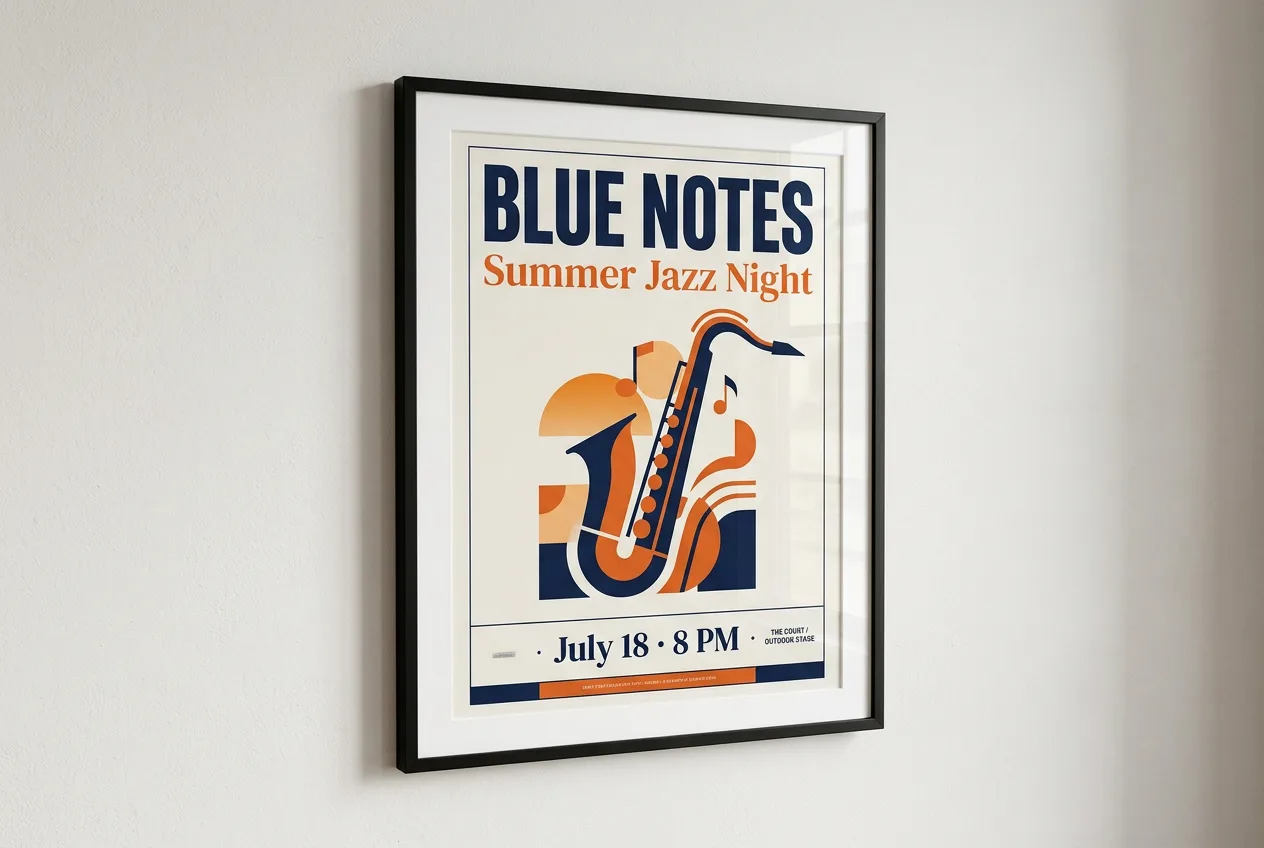
Better design and text rendering
Posters, menus, product labels and infographics come out with cleaner layouts and more readable text. The model now thinks before it renders, so the composition holds together.
Google's latest image model, ready to use. Generate from text or edit with up to 14 reference images, with sharper text, precise local edits and consistent characters.
What's new
Google rebuilt Nano Banana 2 around four upgrades. Here's what they mean for your images.
Posters, menus, product labels and infographics come out with cleaner layouts and more readable text. The model now thinks before it renders, so the composition holds together.
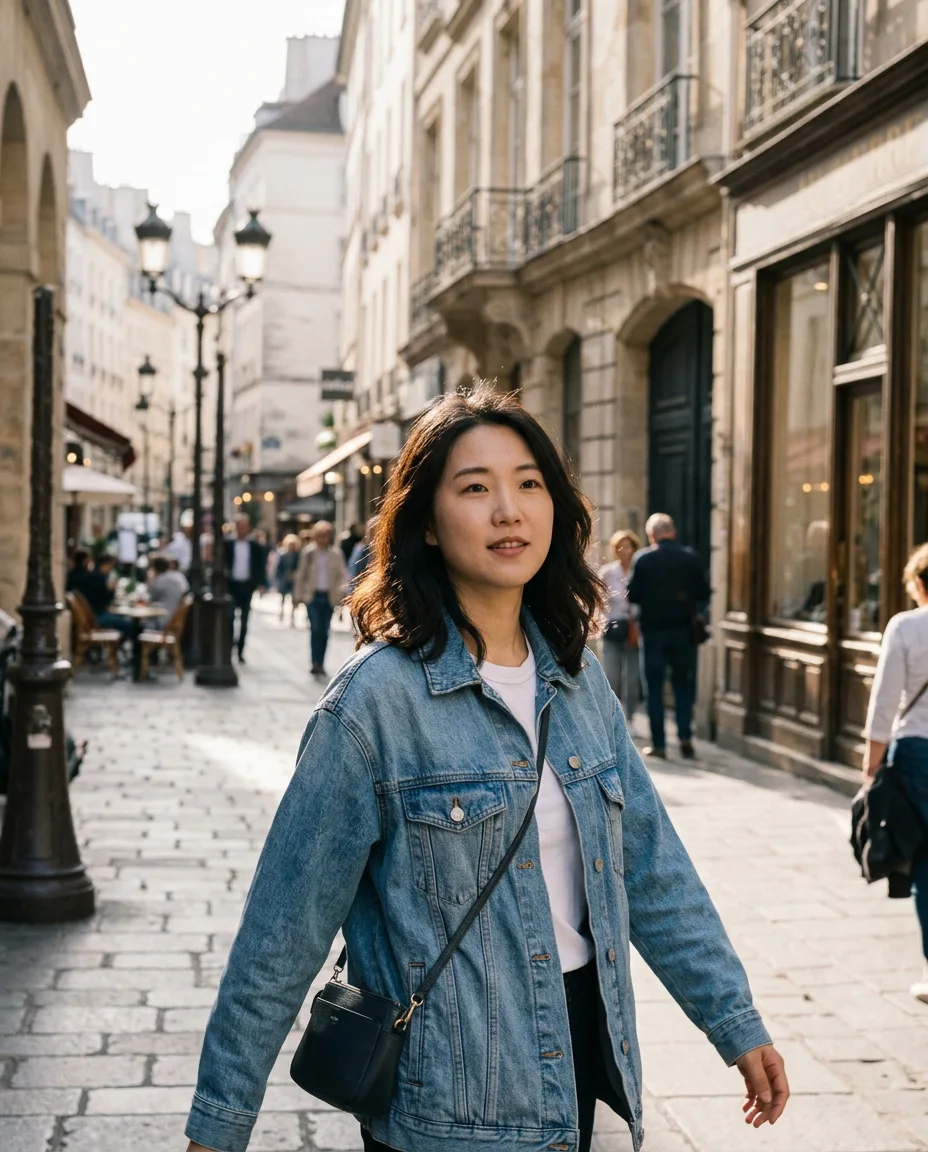
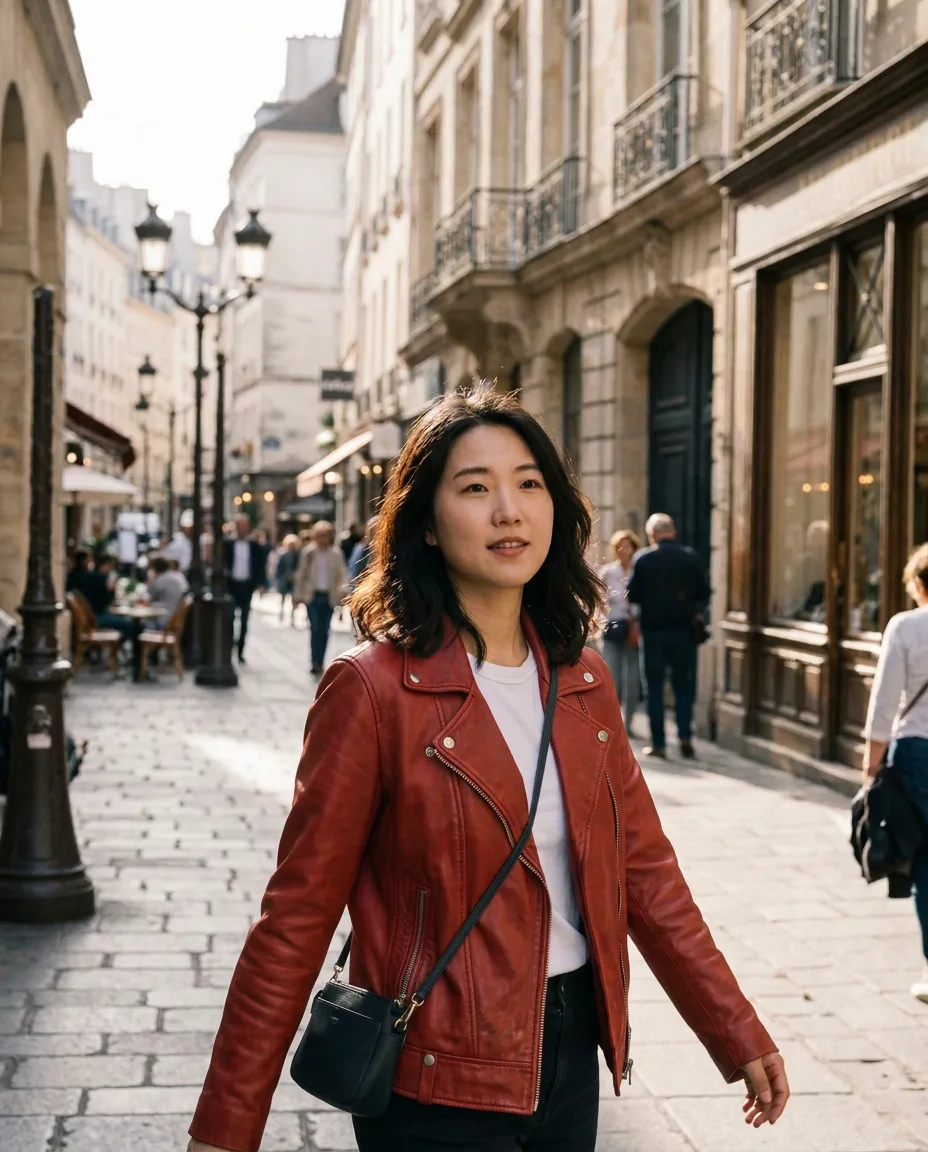
Change just one thing: a jacket, a sign or the sky. Everything else stays exactly as it was. No more regenerating the whole scene to fix one detail.
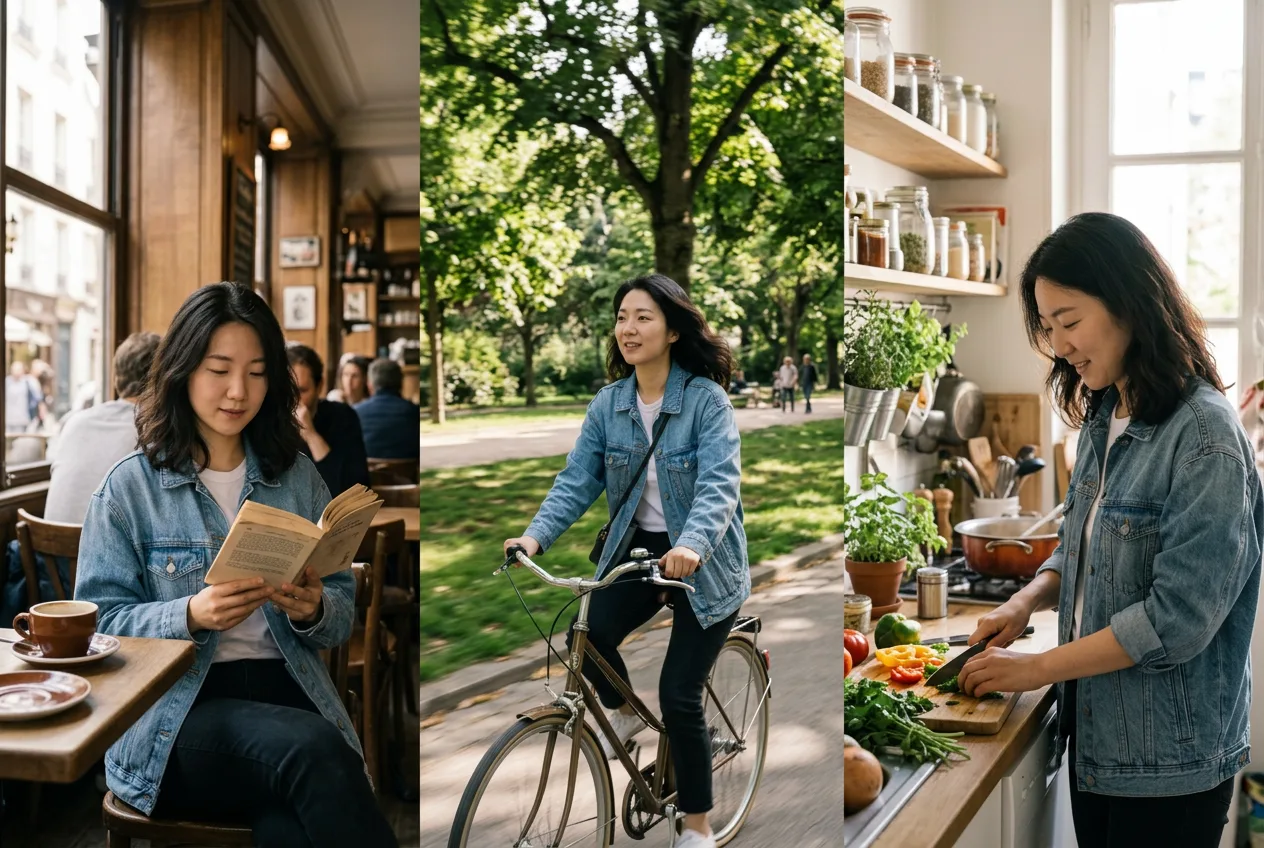
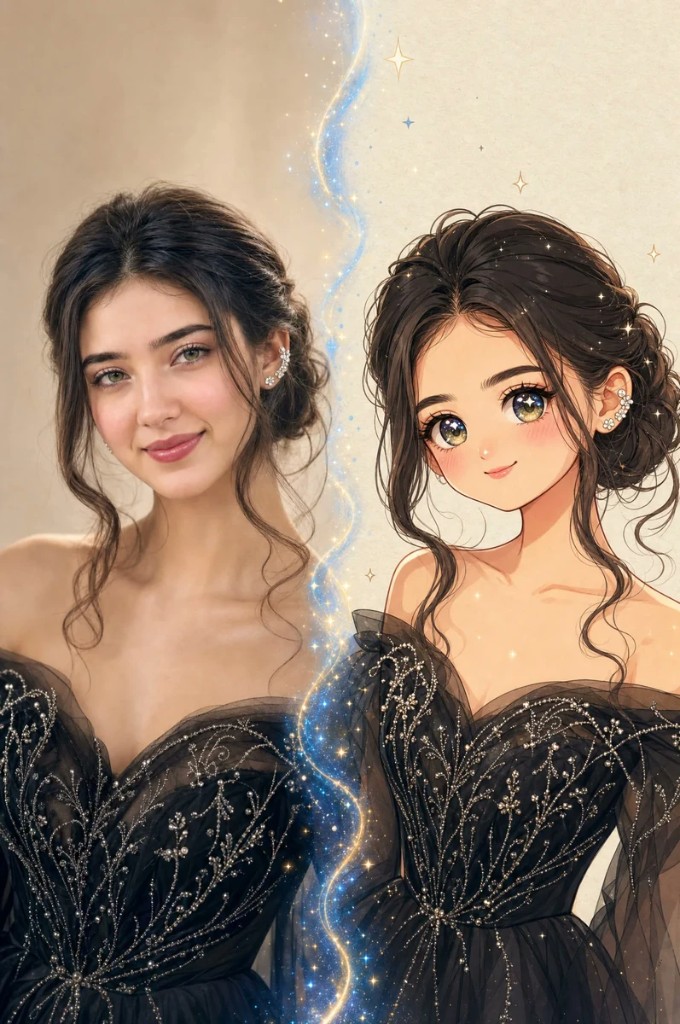
Keep up to 4 characters and 10 objects consistent across a whole series of images. Faces, outfits and products stay recognizable from one edit to the next.
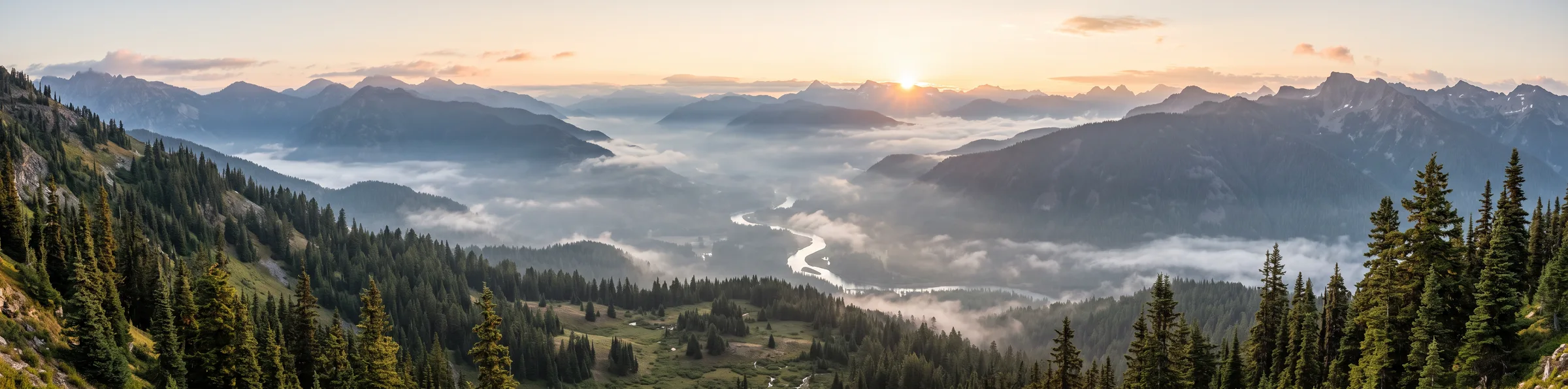
New 4:1, 1:4, 8:1 and 1:8 ratios render without the tiling seams of older versions. Good for website headers, banners and tall scrolling stories.
Your references

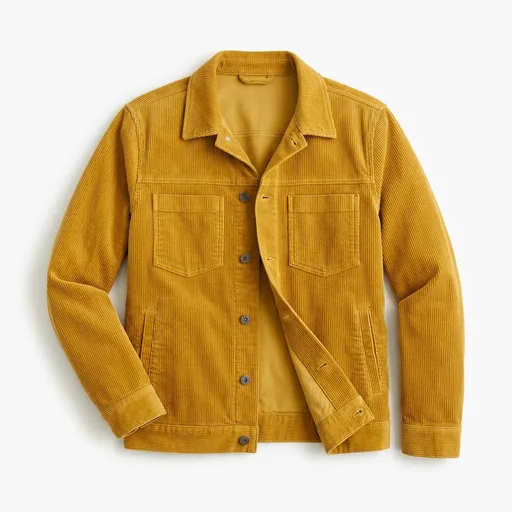
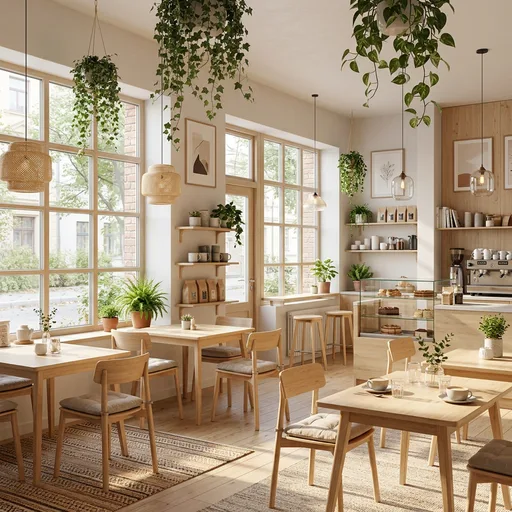
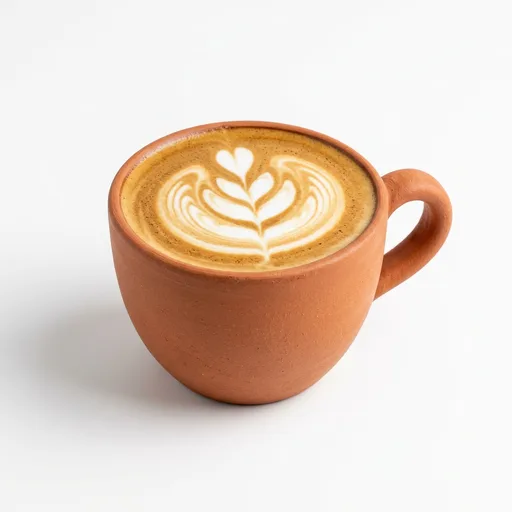
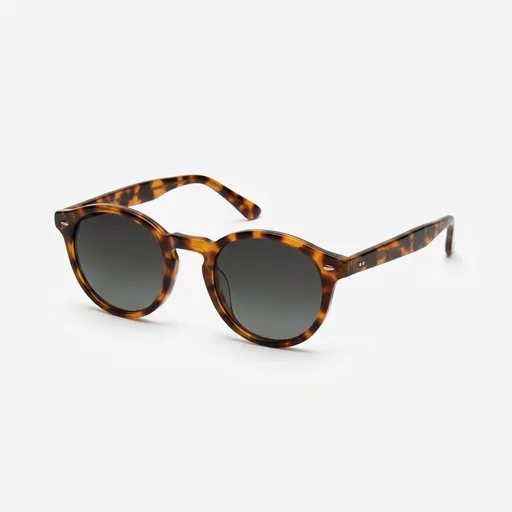
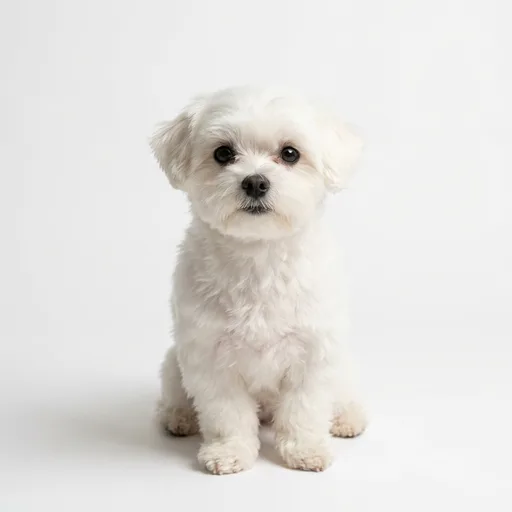
Nano Banana 2.1 result
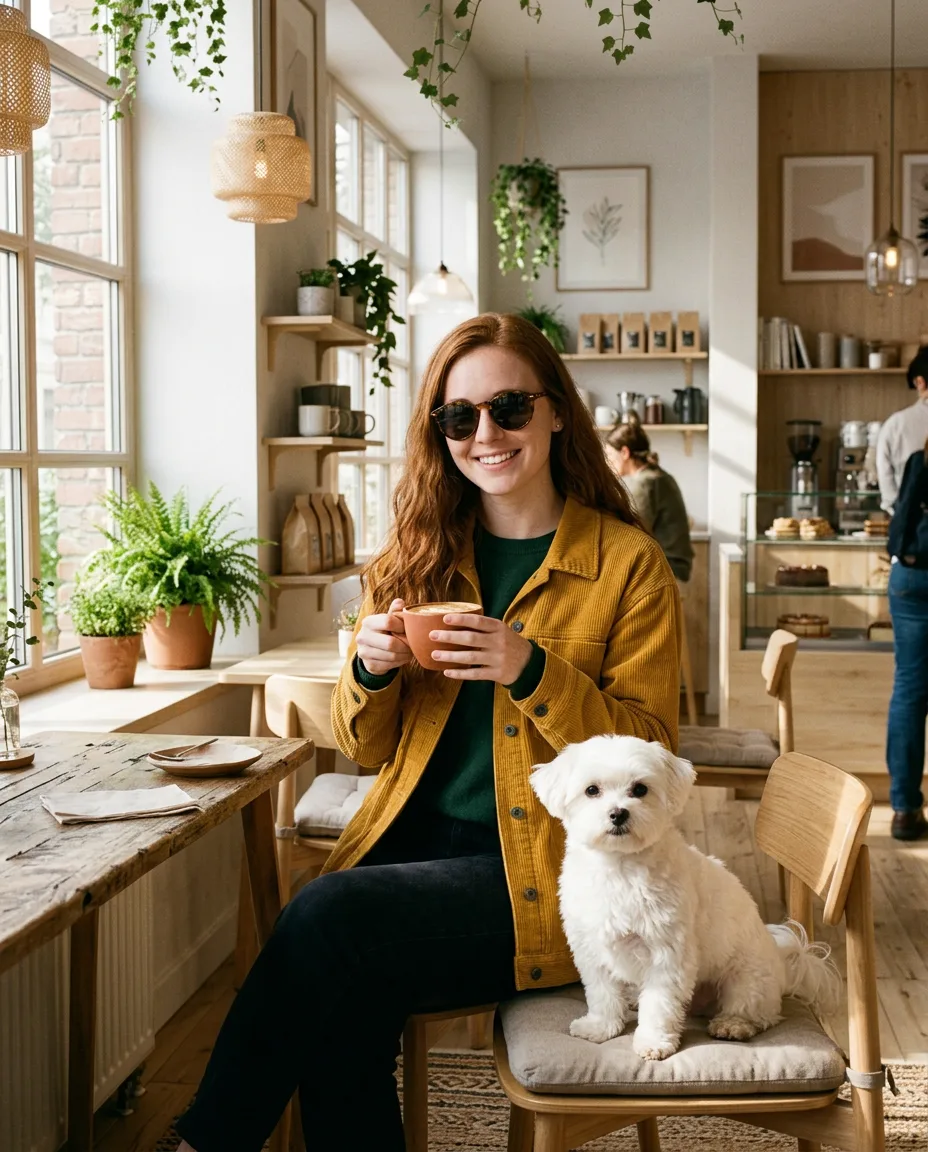
Multi-reference
Upload people, products, outfits and places, then describe how they fit together. Nano Banana 2.1 keeps each one recognizable in the final image.
Up to 4 characters
Up to 10 objects
Prompt recipes
Start from a proven prompt. Copy it, or send it straight to the generator and change the details.
Using the provided image, change only the [element] to [new element]. Keep everything else exactly the same, preserving the original style, lighting, and composition.
A bold event poster for "CITY RUN 2026". Headline at the top, date "Sunday, May 10" below it, runners in motion as the main visual, high-contrast red and white palette, modern sans-serif type.
A clean vertical infographic titled "How Coffee Is Made" with 5 numbered steps: Harvest, Dry, Roast, Grind, Brew. One flat illustration and a short label per step, beige and brown palette.
Keep the character from the reference image exactly the same, including face, hair and outfit, and place them at a rainy night market, holding a paper umbrella, cinematic neon lighting.
Place the product from the reference image on a marble bathroom counter next to a small plant, soft morning light, shallow depth of field, premium commercial photography. Keep the label text unchanged.
A seamless 8:1 panoramic illustration of a futuristic coastal city at dusk, glowing windows, calm sea in the foreground, soft gradient sky, space on the left for headline text.
Compare
All four Nano Banana models are available in the same generator. Here's how they differ on our site.
| RecommendedNano Banana 2.1 | Nano Banana 2 | Nano Banana Pro | Nano Banana 2 Lite | |
|---|---|---|---|---|
| Credits per image 1K / 2K / 4K | 2 / 3 / 6 | 3 / 4 / 6 | 6 / 6 / 10 | 2 (1K only) |
| Resolutions | 1K · 2K · 4K | 0.5K · 1K · 2K · 4K | 1K · 2K · 4K | 1K |
| Max reference images | 14 | 14 | 14 | 4 |
| Aspect ratios | 14 + Auto | 10 + Auto | 10 + Auto | 10 + Auto |
| 4:1 · 8:1 · 1:4 · 1:8 | ||||
| Best for | Most work: design, text, edits and consistent characters | Fast drafts, including small 0.5K previews | Top photoreal detail when quality matters more than cost | Quick, simple edits with a few references |
Start with Nano Banana 2.1. It is Google's newest model and costs less per image than Pro. Switch to Pro when you need the highest photoreal fidelity.
FAQ
Nano Banana 2.1 is Google's latest image generation and editing model, released in October 2026. It improves on Nano Banana 2 in visual design, text rendering, mask-style local edits and subject consistency, while keeping Flash-level speed. On this page you can use it for both text-to-image and image-to-image.
Nano Banana 2.1 produces better-looking compositions and more readable text, keeps characters and objects more consistent across edits, supports new 4:1, 1:4, 8:1 and 1:8 panorama ratios without tiling seams, and reasons more before it renders. It also costs fewer credits than Nano Banana 2 at 1K and 2K on our site.
Nano Banana 2.1 is the better default for most images. It ranks higher than Pro on public text-to-image leaderboards and costs about a third of the credits at 1K. Nano Banana Pro is still the choice when you need the most realistic photographic detail.
Up to 14. Nano Banana 2.1 can keep up to 4 characters and 10 objects consistent in one image. For best results, say in your prompt which reference is which, for example "the man in image 2".
Each image costs 2 credits at 1K, 3 credits at 2K and 6 credits at 4K. Free users get credits every week to try it, and paid plans unlock 2K and 4K output.
Yes. Besides the usual ratios from 1:1 to 21:9, it supports 4:1, 1:4, 8:1 and 1:8. Choose one in the Aspect Ratio menu to create website headers, banners, panoramic landscapes or long vertical stories.
There is no visible watermark. Like all Google image models, Nano Banana 2.1 embeds an invisible SynthID watermark that identifies the image as AI-generated.
Free users can use generated images for personal projects. Paid plans include a commercial license, so you can use your images in ads, products and client work.
Google notes that very small faces, exact spelling in long text and very fine details can still come out wrong. Keep important text short, give faces enough space in the frame, and use a local edit to fix a single detail instead of regenerating.
Describe it, or upload up to 14 references. Your image is ready in seconds.