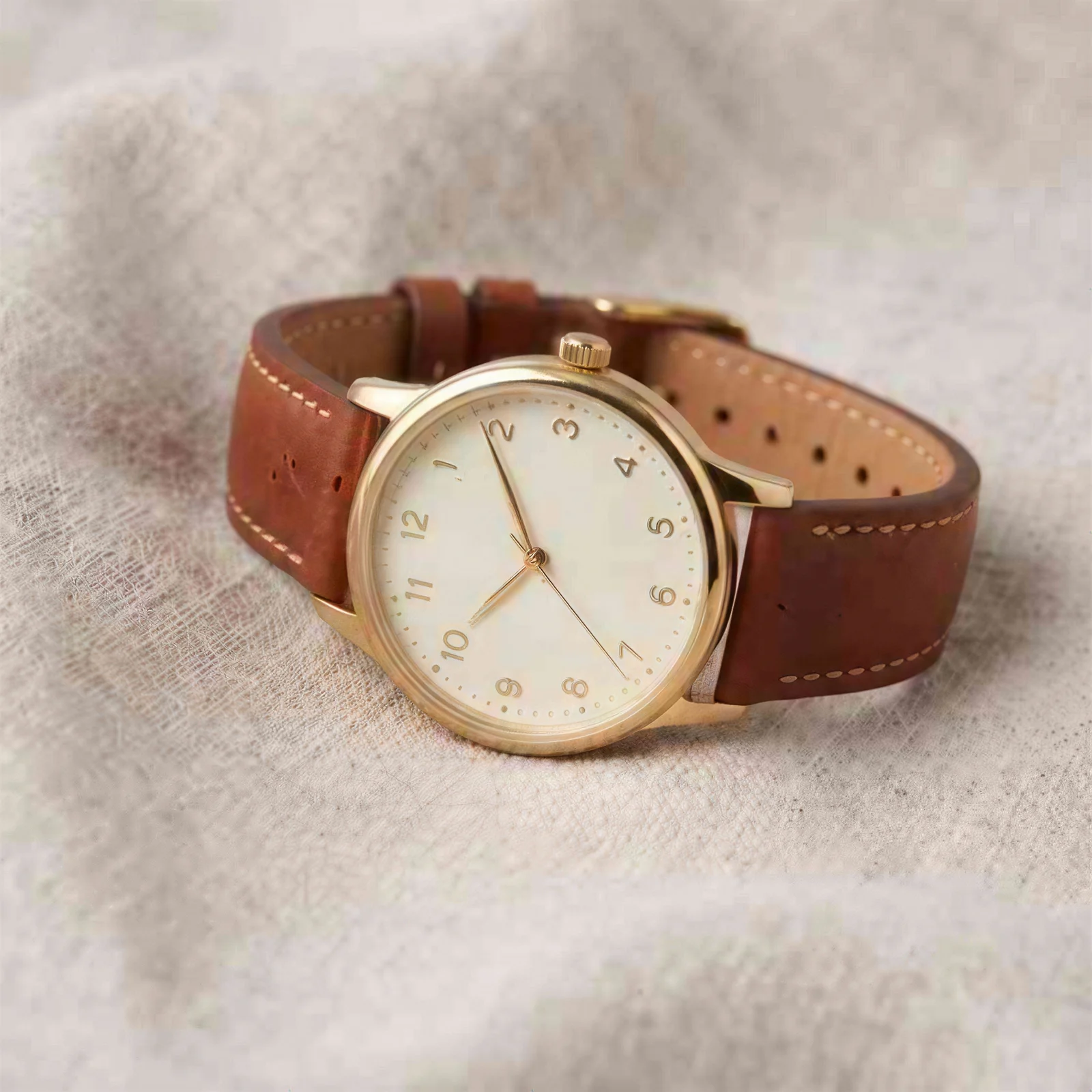
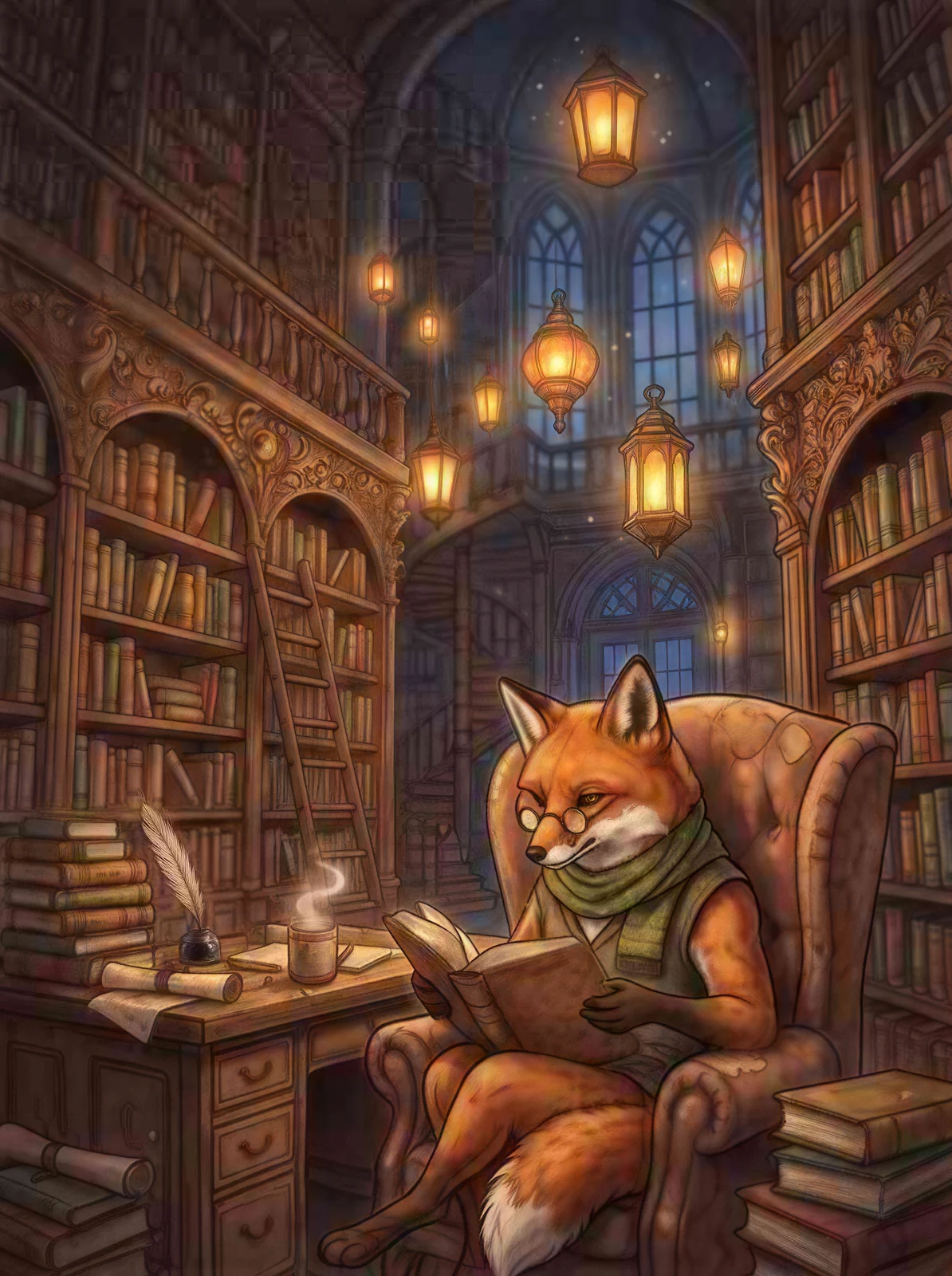
Sharpen blurry, low-res photos and upscale them to 2K, 4K or 8K in one click.
Real result from a low-res sample · drag to compare
Upscale to
No photo? Try one:
Free to try · No sign-up needed
Upscale to 2K, 4K or 8K
Content stay the same
Real results
See what the AI photo enhancer fixes
Each example is a real 4K result from the AI photo enhancer, made from a blurry, noisy or low-res photo. Drag the divider to compare before and after.
OriginalEnhanced
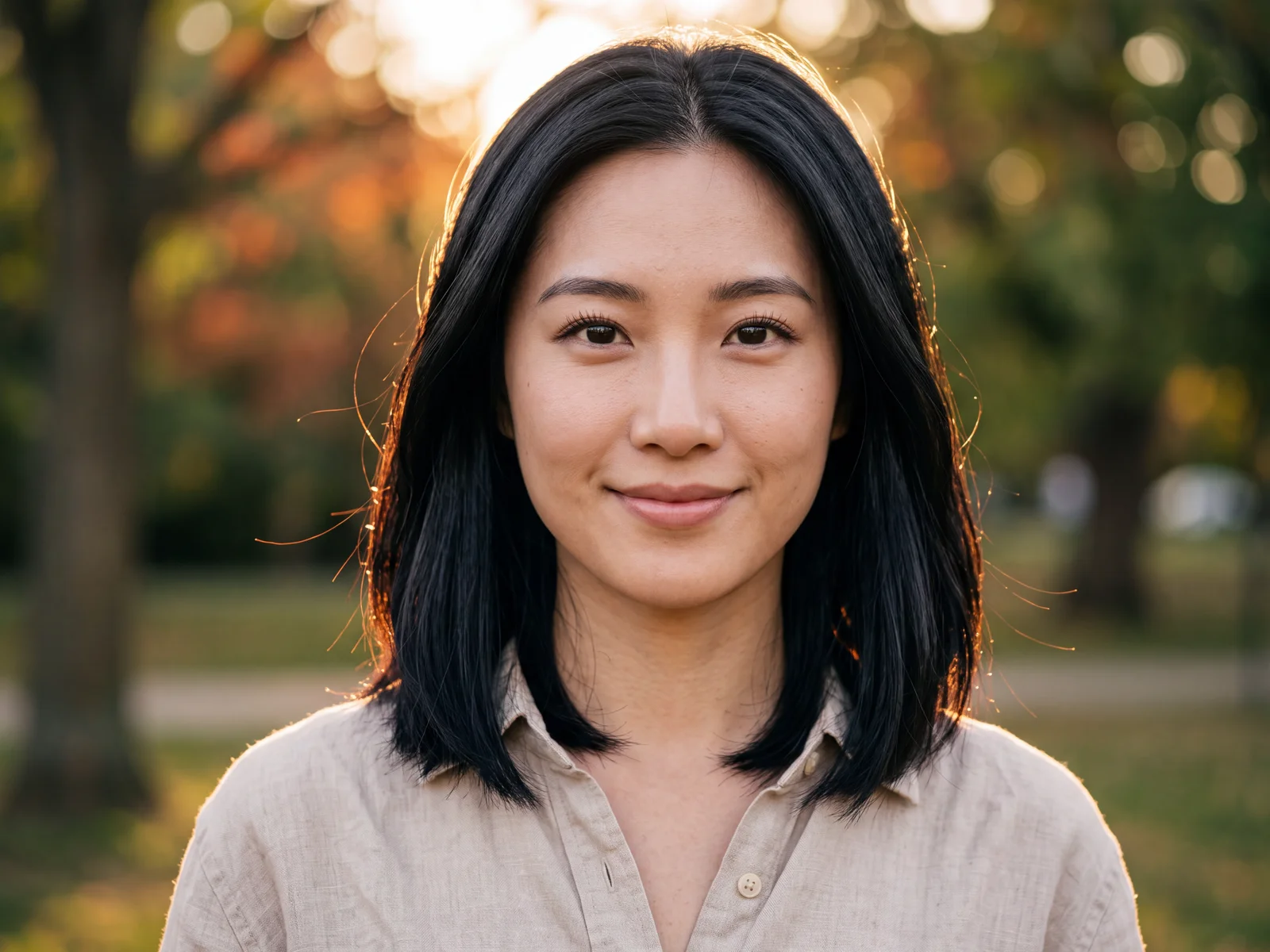
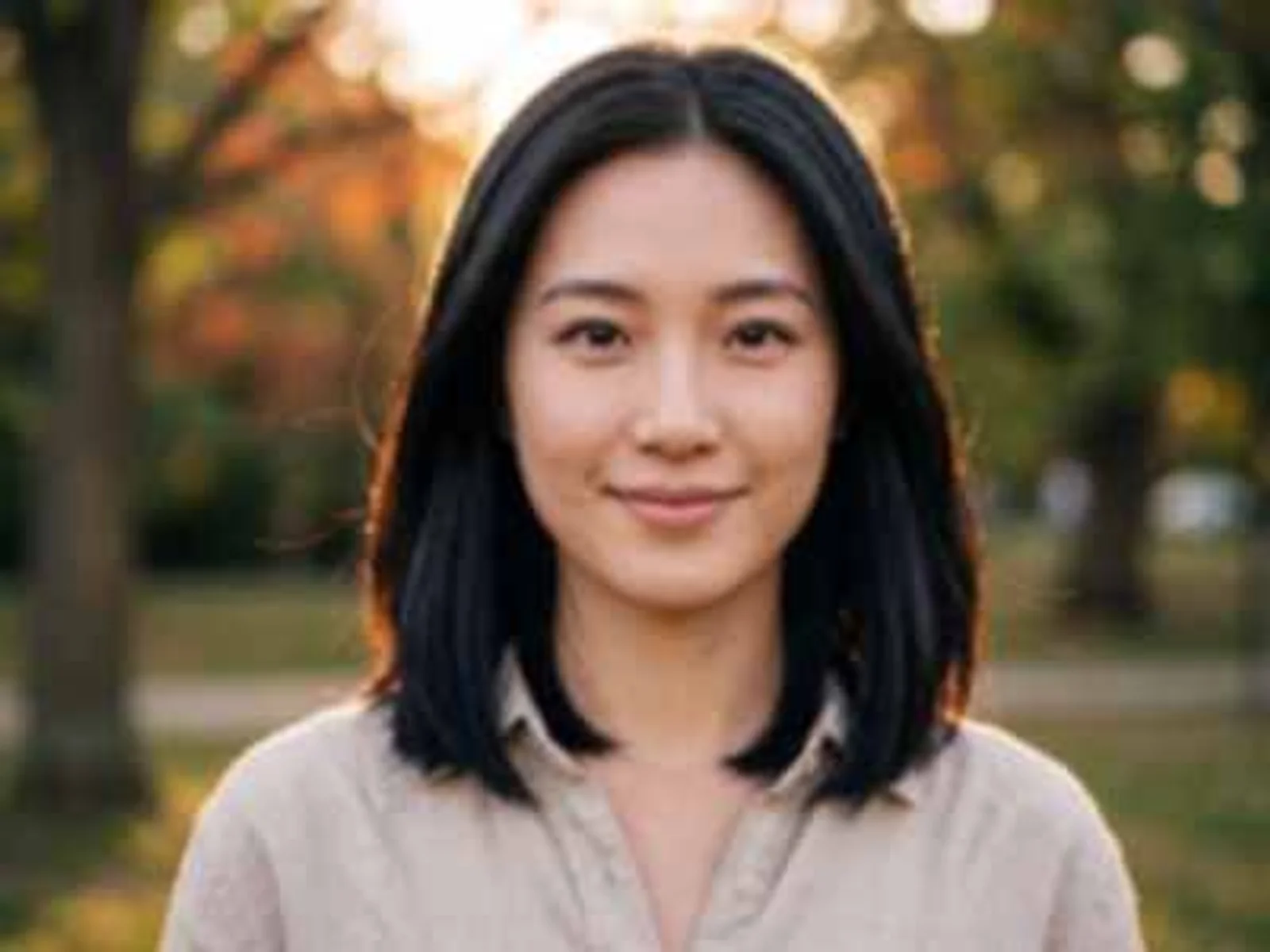
Sharpen
Sharpen blurry photos without changing the face
Soft focus, camera shake and heavy crops wipe out the details people notice first: eyes, lashes and hair. The AI photo enhancer rebuilds them at a higher resolution while keeping identity, expression and lighting exactly as they were.
Crisp eyes, lashes and hair strands
Natural skin texture, not plastic smoothing
Same face, same expression, same light
400 × 300→4800 × 3584· 12.0×
OriginalEnhanced
Denoise
Remove noise, pixelation and JPEG blocks
Screenshots, forwarded images and photos saved again and again pick up blocky artifacts, halos and grain. The AI photo enhancer clears them out so letters, logos and edges look clean again.
Readable letters, numbers and icons
JPEG blocks and halos removed
Clean, sharp edges on graphics
640 × 478→4740 × 3540· 7.4×
OriginalEnhanced
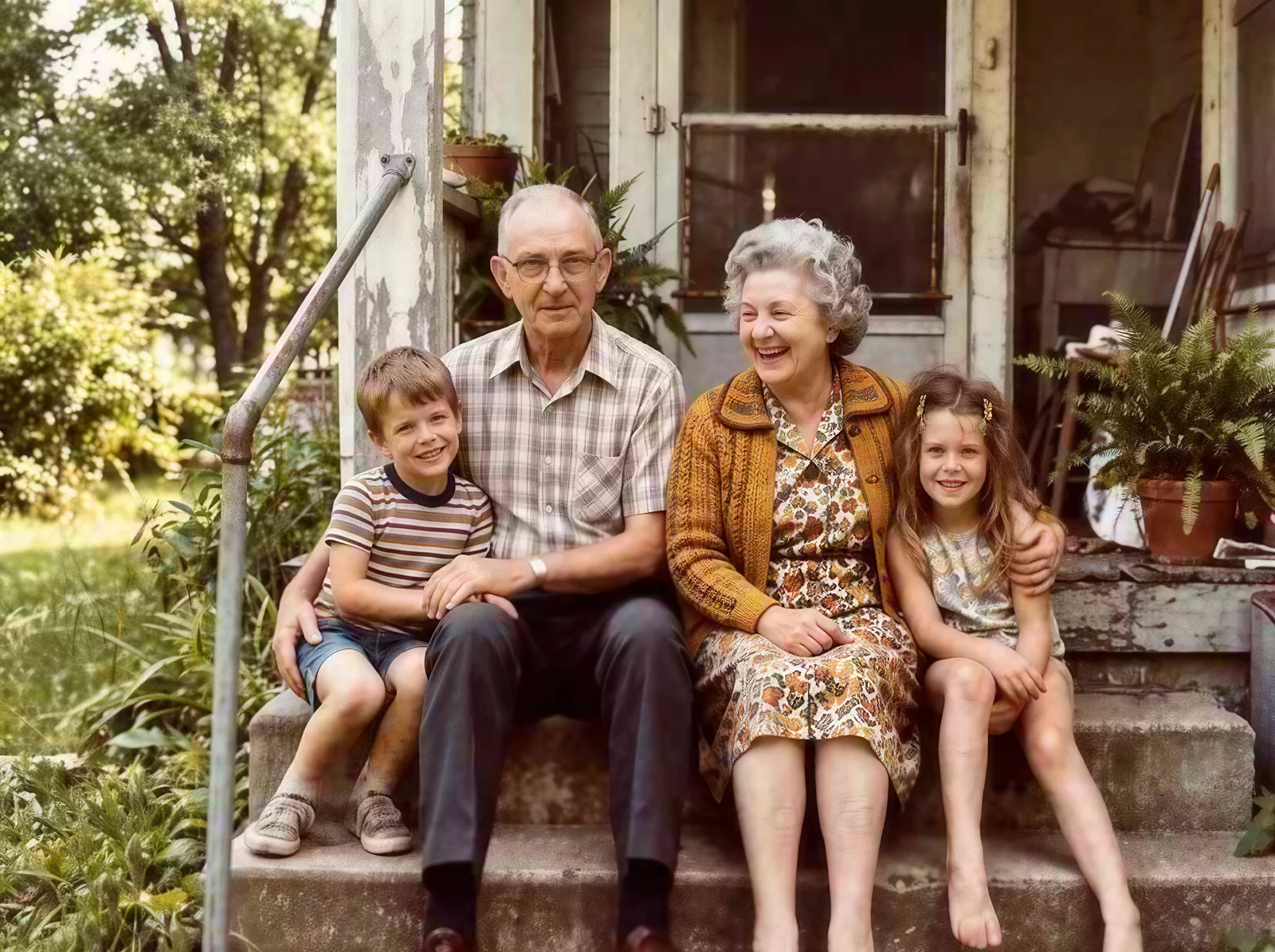
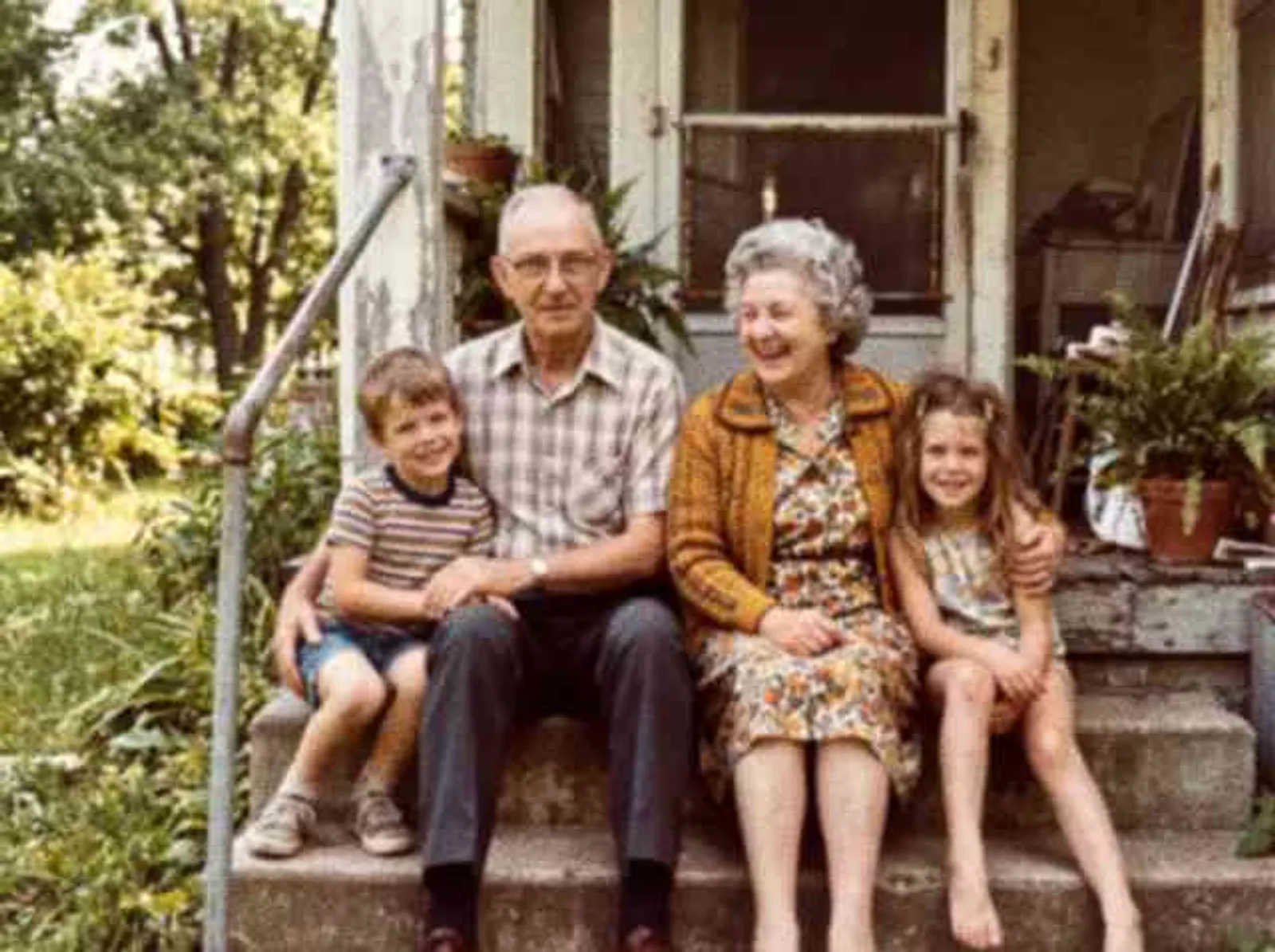
Old photos
Bring old and scanned photos back into focus
Run small scans and files from early digital cameras through the AI photo enhancer and they come back larger and clearer, with less film grain and scan noise. Colors and mood stay as they were, ready to reprint or share with family.
Clearer faces in small group shots
Less film grain and scan noise
Original colors and mood kept
640 × 478→4740 × 3540· 7.4×
OriginalEnhanced
Upscale
Upscale to 4K or 8K for prints and big screens
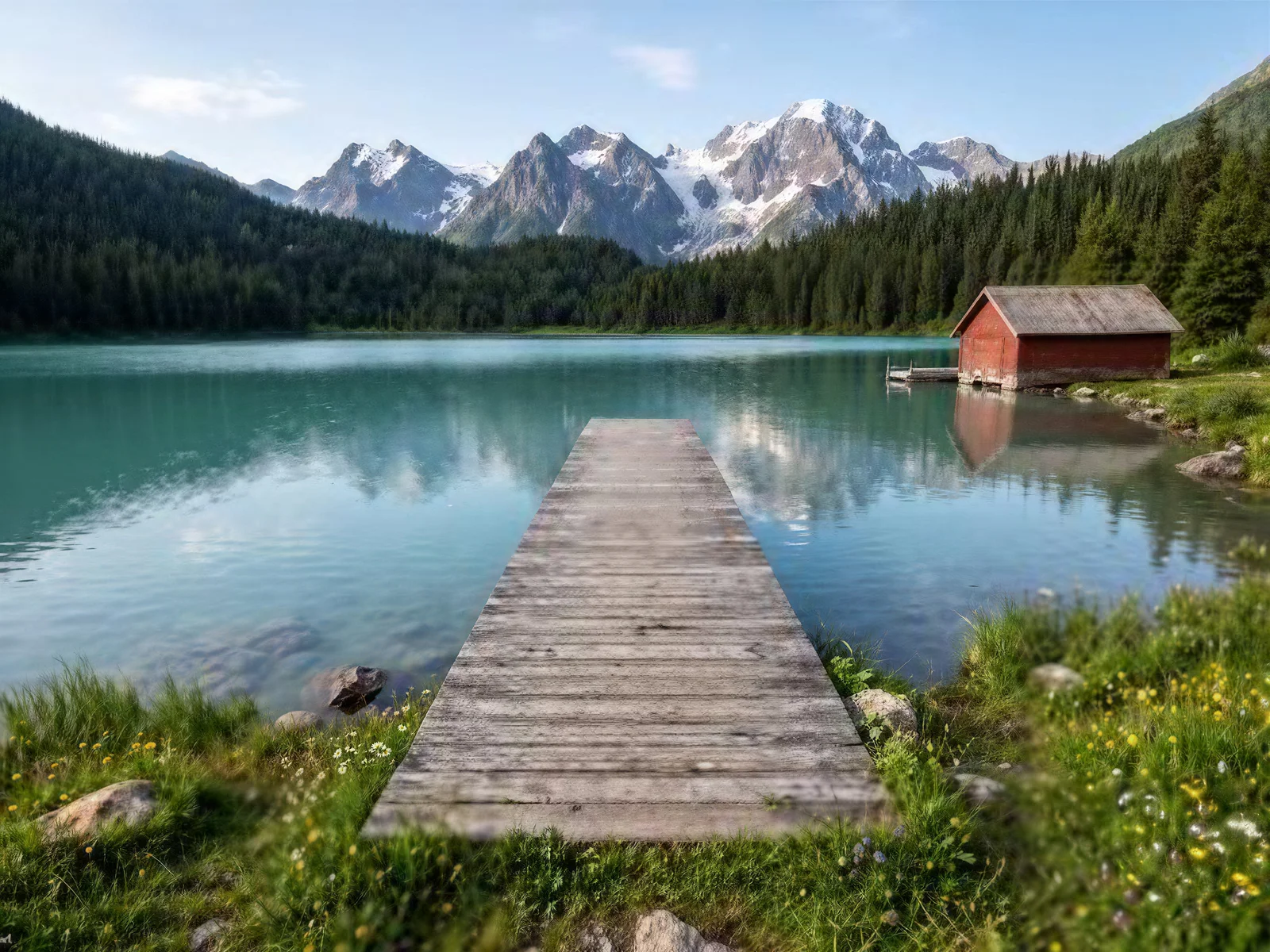
Pick 2K, 4K or 8K and the AI photo enhancer grows your photo to that size in its original aspect ratio, filling in texture in rocks, water and foliage instead of just stretching pixels.
Up to about 67 megapixels
Original aspect ratio always kept
Room to crop without losing quality
400 × 300→4730 × 3547· 11.8×
Why use it
Why use our AI photo enhancer
An AI photo enhancer built to add detail, not to make things up.
True to the original
The AI photo enhancer adds resolution and detail to what is already in your photo. Faces, colors and composition stay the same.
Up to 8K output
2K, 4K or 8K in your photo's original aspect ratio, up to about 67 megapixels.
Ready in seconds
The AI photo enhancer finishes most photos in a few seconds. Nothing to install, and it works on phone and desktop.
No watermark
Download full-resolution results as JPG, PNG or WebP, clean and ready to use.
Private by default
Photos are uploaded over an encrypted connection, and you can delete your results from My Creations at any time.
Commercial use allowed
Use enhanced images in listings, prints and marketing, as long as you have the rights to the original.
An AI photo enhancer, not a re-imaginer
It never invents new content, so results stay believable. That also means it won't colorize, repair damage or change what's in the picture. For those, describe the fix in a sentence and let the AI Image Editor do it.
The AI photo enhancer runs in your browser, with nothing to install and no settings to tune.
1Step 1
Upload your photo
Drop, click or paste a JPG, PNG or WebP up to 10MB. Screenshots work too.
2Step 2
Pick 2K, 4K or 8K
See the exact output size for your photo before you start. Every size costs the same.
3Step 3
Enhance and download
Compare before and after with the slider, then download the full-resolution file.
Use cases
Enhance any photo, whatever it's for
The AI photo enhancer makes product shots, portraits, old family prints, AI art, screenshots and travel photos sharper and ready to sell, share or print.
OriginalEnhanced
Product photos that sell
Meet marketplace size rules and let shoppers zoom into materials, stitching and small print. The AI photo enhancer works even on supplier photos and quick phone shots.
OriginalEnhanced
Profile pictures and posts
Turn a cropped group shot or an old phone snap into a crisp avatar, post or thumbnail that holds up on any screen.
OriginalEnhanced
Old family photos
Enlarge small scans of old prints for albums, reprints and anniversaries, with clearer faces and less grain.
OriginalEnhanced
AI art and illustrations
Most AI generators stop around 1K. Run your best renders through the AI photo enhancer for prints, covers and high-DPI screens without redrawing them.
OriginalEnhanced
Screenshots and documents
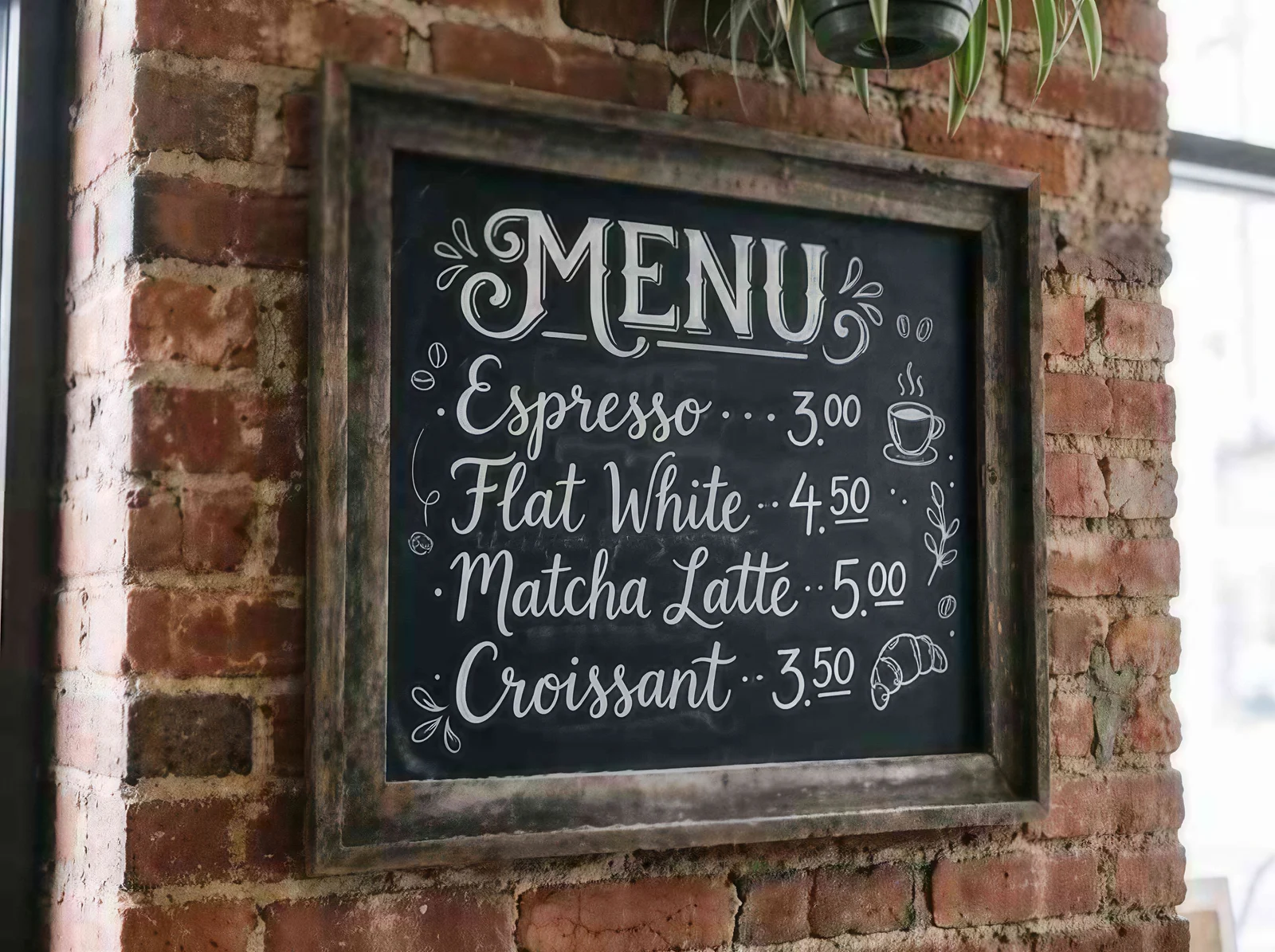
Make blurry screenshots, menus, receipts and slides readable again for tutorials, reports and presentations.
OriginalEnhanced
Wallpapers and prints
Give travel shots the resolution of a 4K monitor or a framed print, with fine texture where it matters.
FAQ
Questions about the AI Photo Enhancer
Everything you need to know before you use the AI photo enhancer. Can't find an answer? Email our support team.
What is an AI photo enhancer?
An AI photo enhancer uses a super-resolution model to predict the fine detail a low-quality photo is missing. In one step it sharpens edges, reduces noise and compression artifacts, and increases resolution, instead of just stretching the pixels you already have.
Is the AI Photo Enhancer free?
Yes, you can try the AI photo enhancer without an account: enhance one photo a day at 2K for free. Sign up to get free credits and unlock 4K and 8K. Each enhancement uses 1 credit, whether you choose 2K, 4K or 8K.
Will photos from the AI photo enhancer have a watermark?
No. Enhanced photos are downloaded at full resolution with no watermark. Downloading only needs a free account.
What's the difference between 2K, 4K and 8K?
They set the total size of the result: about 4 megapixels for 2K, 16.8 for 4K and 67 for 8K, always in your photo's original aspect ratio. 2K suits social media and the web, 4K suits prints and product photos, and 8K suits posters or heavy cropping.
How is this different from resizing an image?
A normal resizer stretches the existing pixels, so a bigger image just looks bigger and blurrier. The AI photo enhancer generates new pixel detail as it upscales, so edges, textures and text stay sharp at 4K or 8K.
Will it change faces or make people look different?
No. The AI photo enhancer adds detail at a higher resolution but keeps identity, expression, colors and composition. It doesn't redraw faces or add anything that wasn't in the photo.
Can it fix very blurry photos?
It works best on photos that are soft, small, noisy or compressed, and mild motion blur or soft focus usually improves a lot. If a face or text can't be made out at all, the AI photo enhancer can't recover detail that isn't there, and it won't invent it.
Can the AI photo enhancer restore old photos?
It makes old photos sharper and larger and reduces grain and scan noise, which is often all a faded print needs. It does not colorize black-and-white photos or repair tears and missing areas. For that, use the AI Image Editor and describe the fix you want.
Which file types and sizes are supported?
You can upload JPG, PNG or WebP images up to 10MB, or paste a screenshot with Ctrl+V. Signed-in users can download the result as JPG, PNG or WebP.
How long does the AI photo enhancer take?
Most photos are ready in a few seconds to about half a minute. 8K results are larger and can take a little longer to process and download.
What happens to the photos I upload?
Your photo is uploaded over an encrypted connection and used to process your enhancement. Signed-in users' results are saved to My Creations, where you can delete them at any time.
Can I use enhanced photos commercially?
Yes. You can use enhanced images in personal and commercial projects, such as product listings, prints and marketing, as long as you have the rights to the original photo.
Try the AI photo enhancer on your own photos
Upload a blurry or low-res photo and see the difference in seconds. Your first enhancement is free.
 OriginalEnhanced