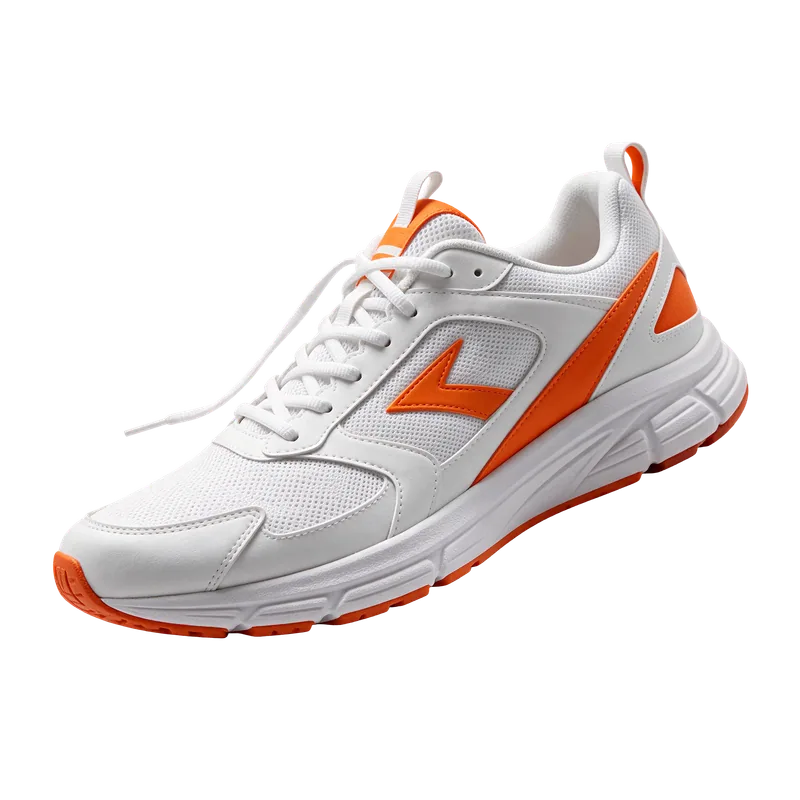
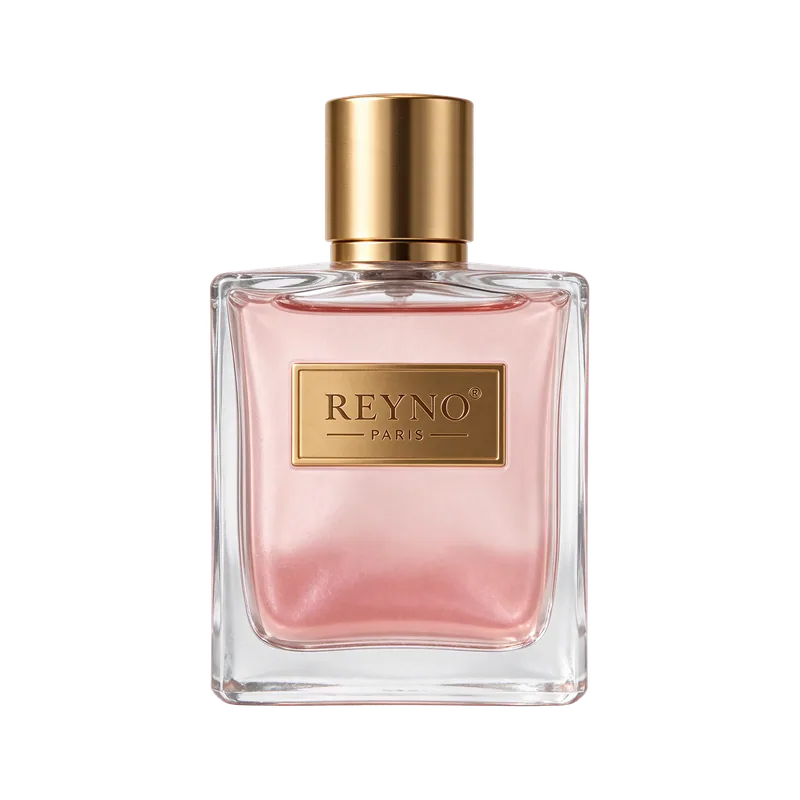
Create lifelike images with sharp, readable text, then keep editing round after round while everything you don't touch stays the same.
Transparent PNG output
Stable multi-round edits
Photoreal skin & lighting
Drop or upload up to 10 images
JPG, PNG, WEBP up to 10MB
0/10000
Sample Image
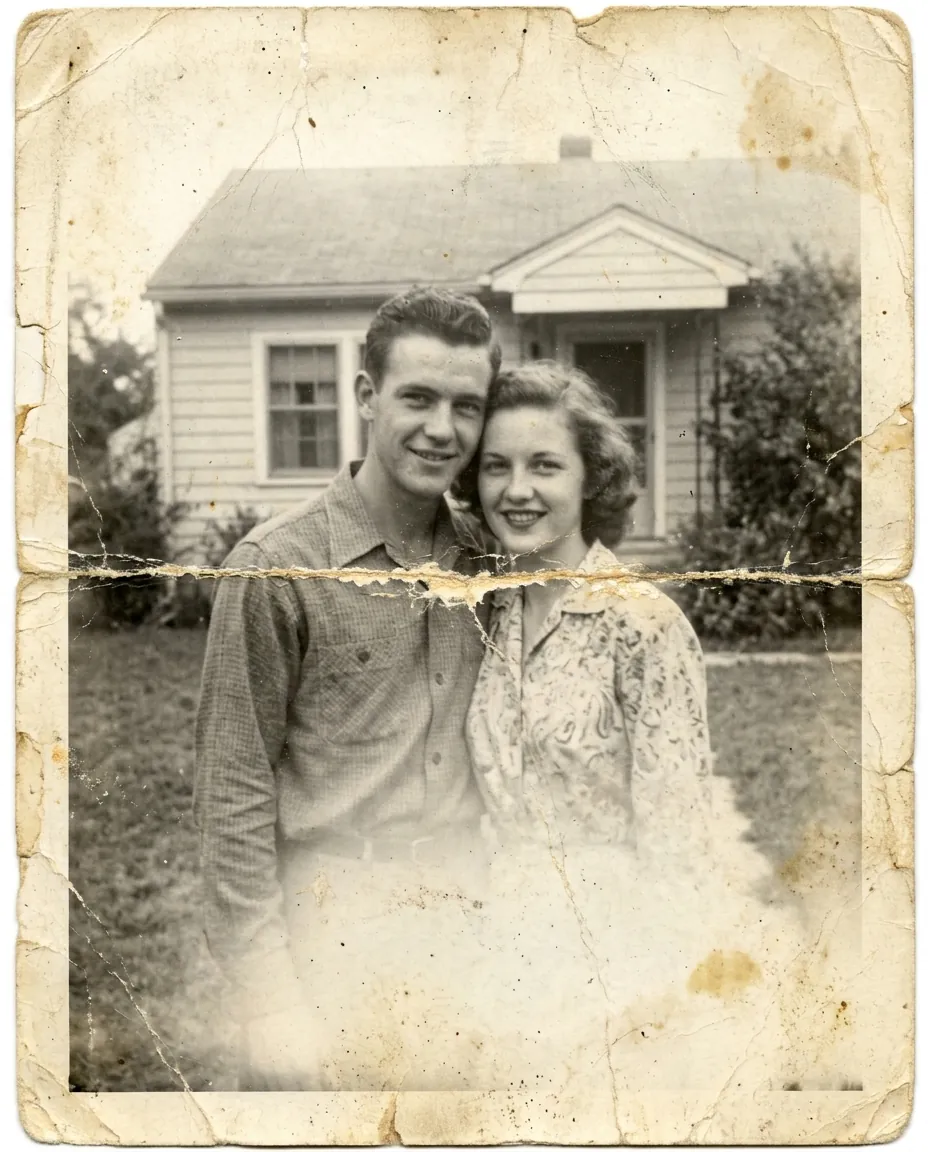
Before
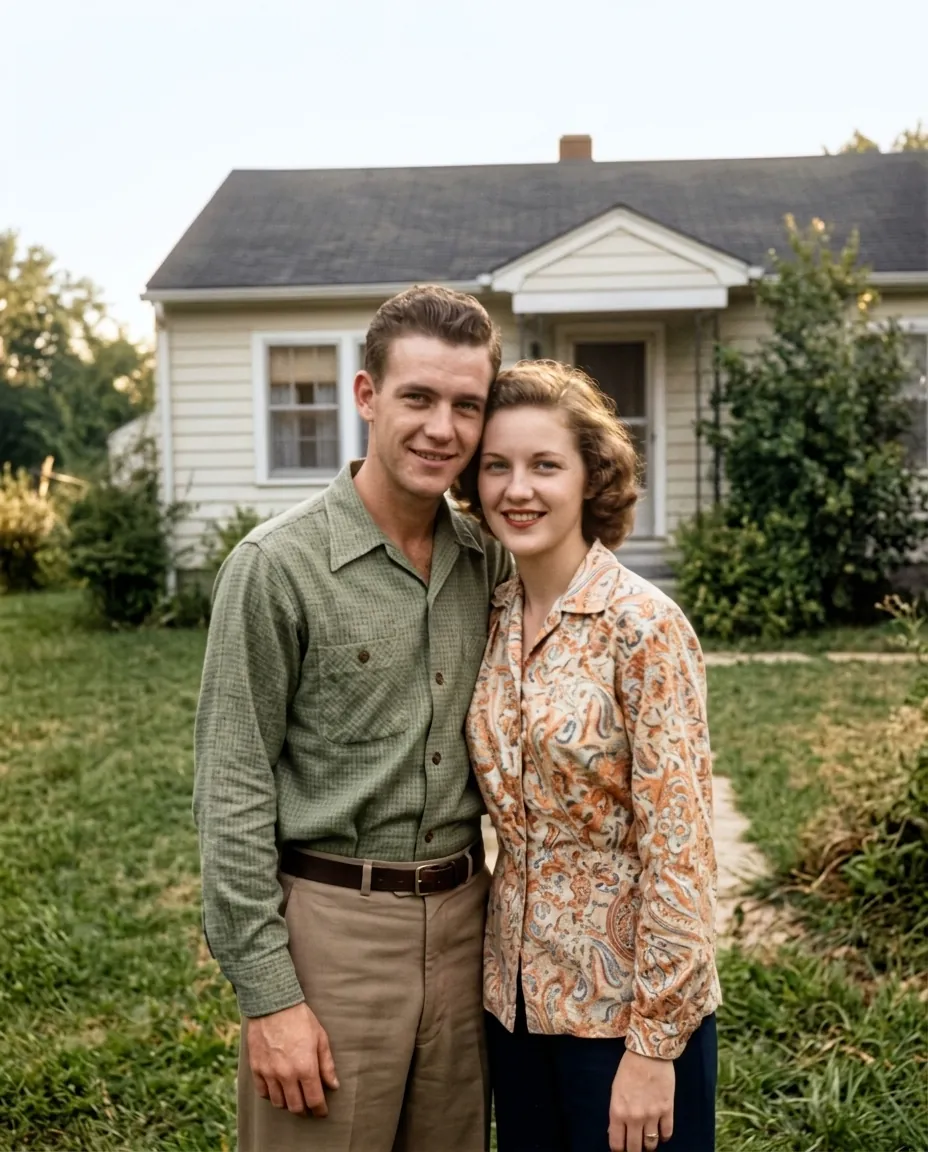
After
Before
After
Before
After
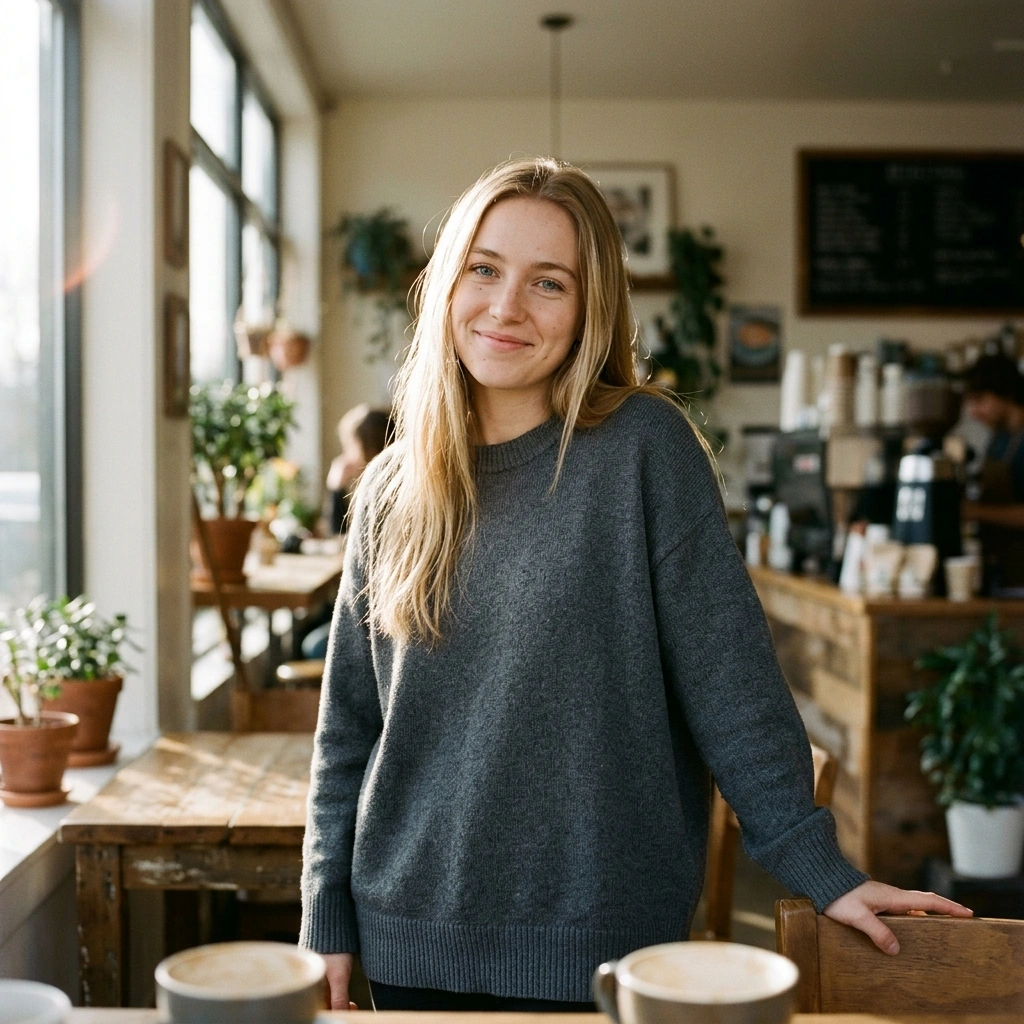
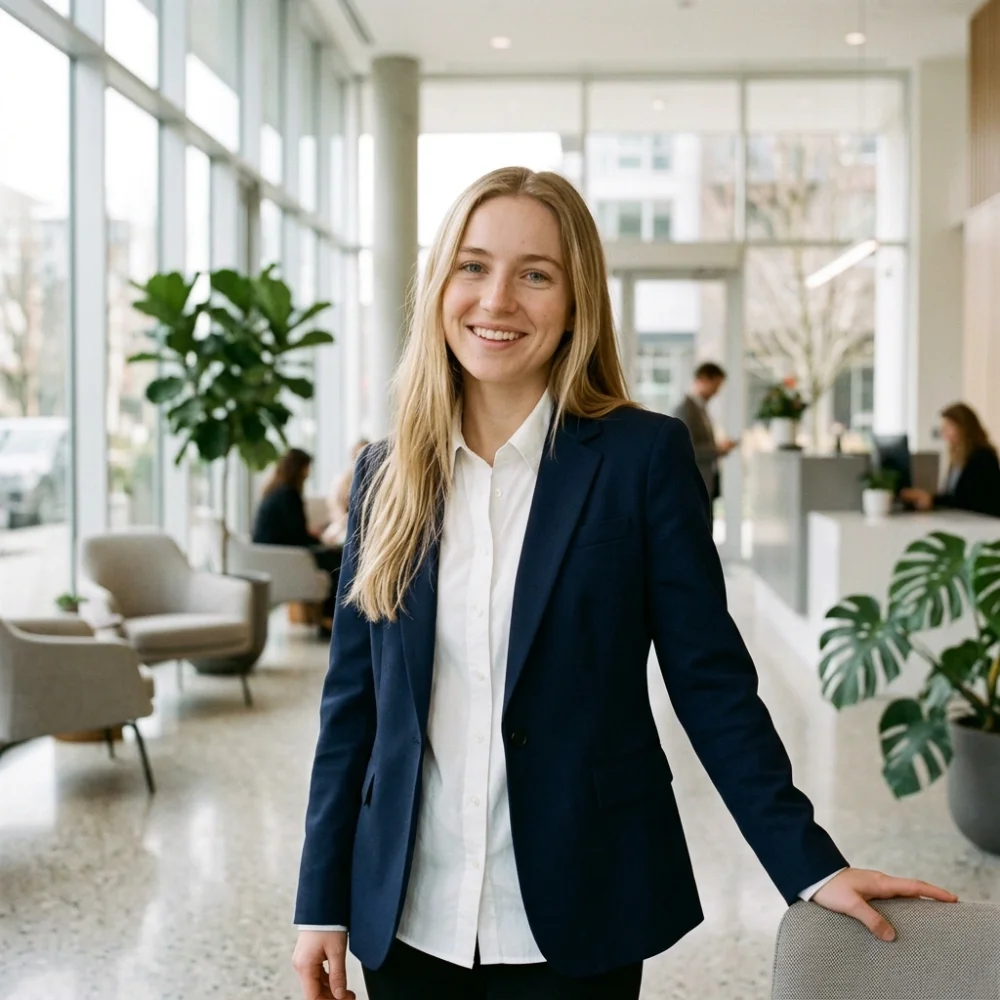
“Put her in a navy blazer over a white shirt in a bright modern office lobby, keeping her face, hair and pose”
Gallery
Made with Seedream 5.5
Everything on this page was generated with Seedream 5.5 from a single prompt, with no retouching. Pick a favorite and run the same prompt yourself.
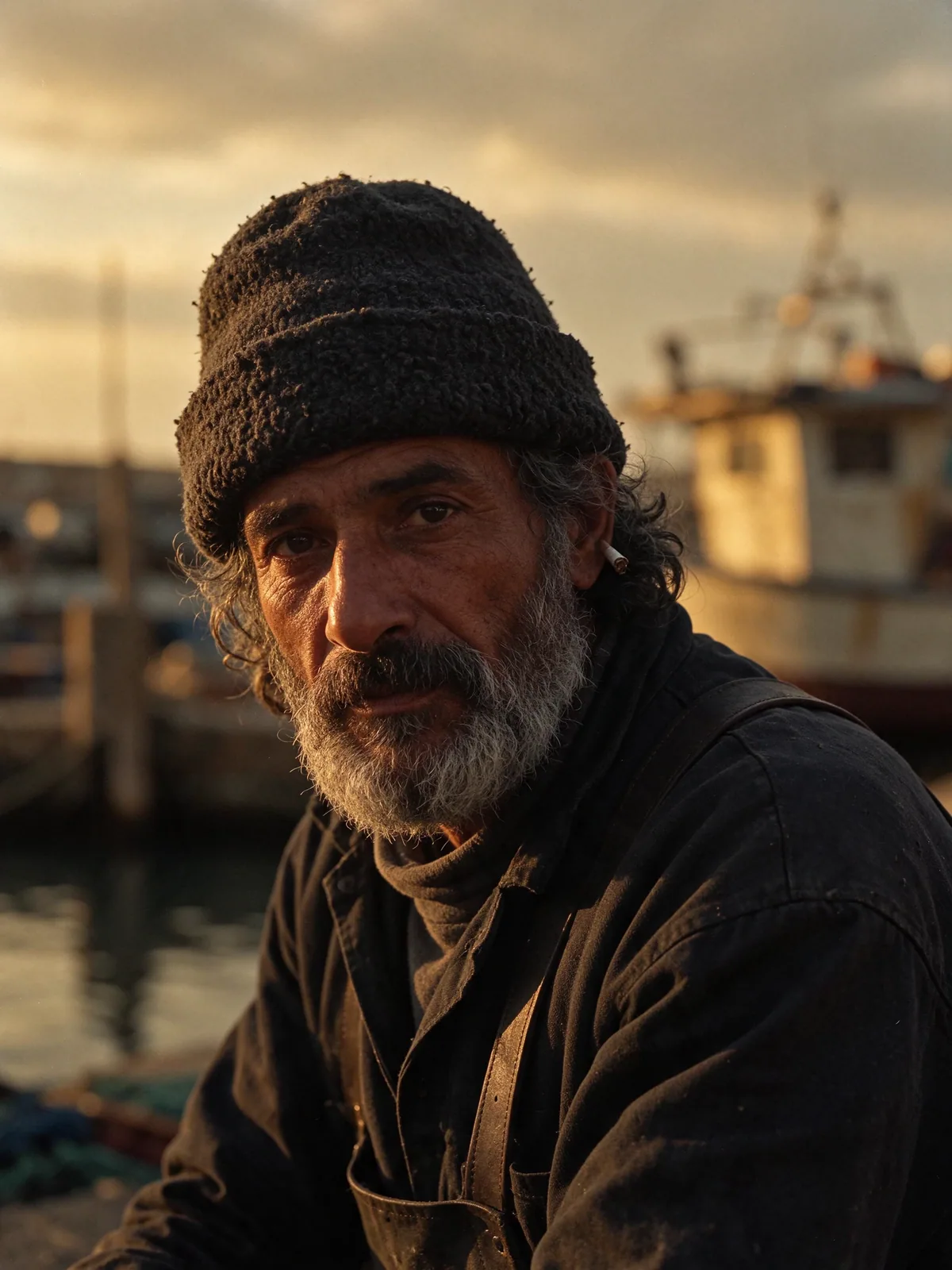
Character portrait
Editorial portrait of an elderly fisherman on a harbor pier at golden hour, deeply weathered skin with fine wrinkles and pores, salt-and-pepper beard, wool beanie, warm low sun from the side, shallow depth of field, shot on 85mm film
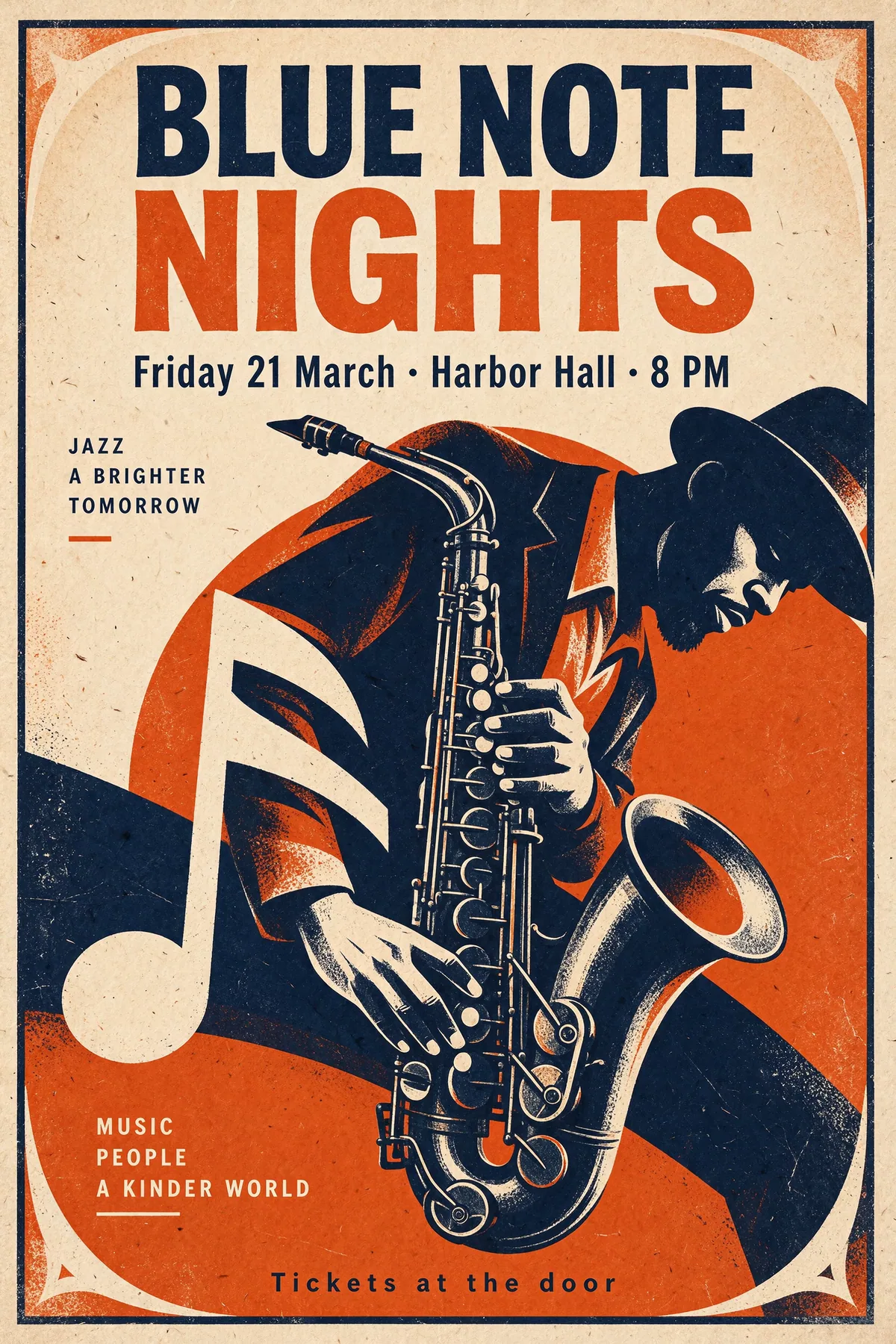
Event poster with text
Vintage 1960s jazz festival poster, bold screen-printed style with a saxophone player silhouette, large title text "BLUE NOTE NIGHTS", subtitle "Friday 21 March · Harbor Hall · 8 PM", small footer text "Tickets at the door", navy, cream and orange palette, paper grain
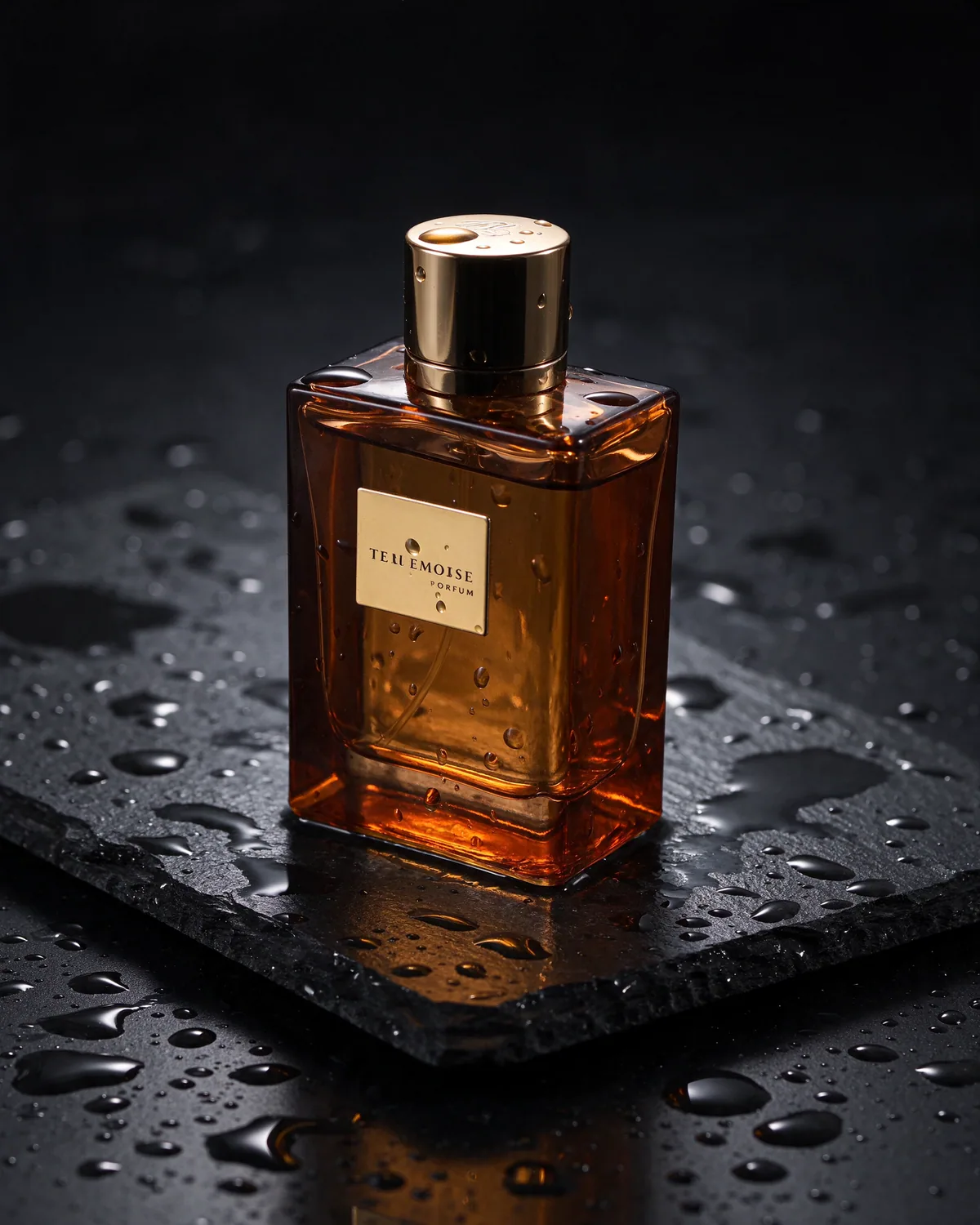
Product photography
Luxury amber glass perfume bottle standing on wet black slate stone, water droplets, dramatic studio rim light, soft reflections, dark moody background, high-end commercial product photography
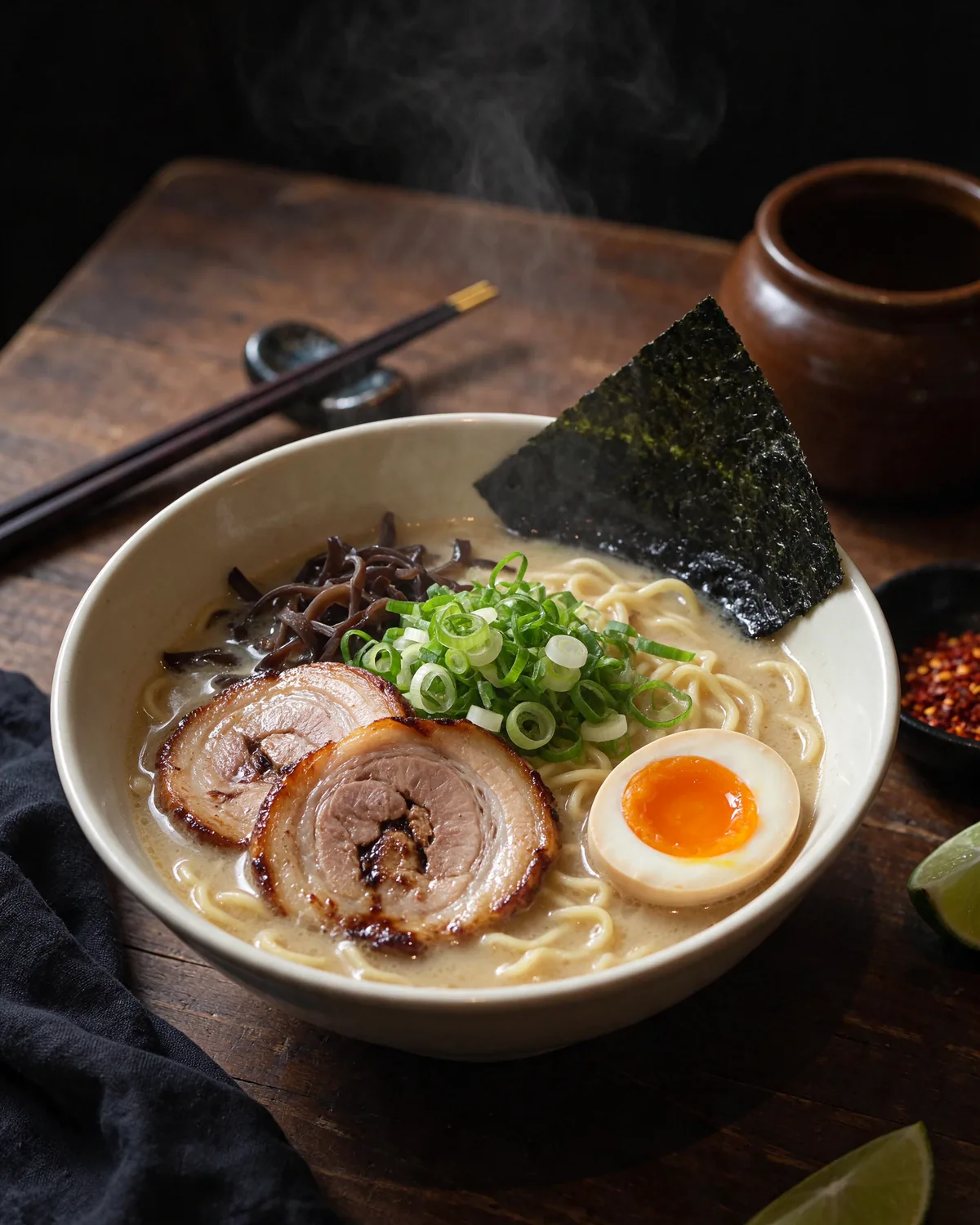
Food photography
Overhead shot of a steaming bowl of tonkotsu ramen with chashu pork, soft-boiled egg, nori and scallions on a dark wooden table, chopsticks resting on the bowl, natural window light, food magazine photography
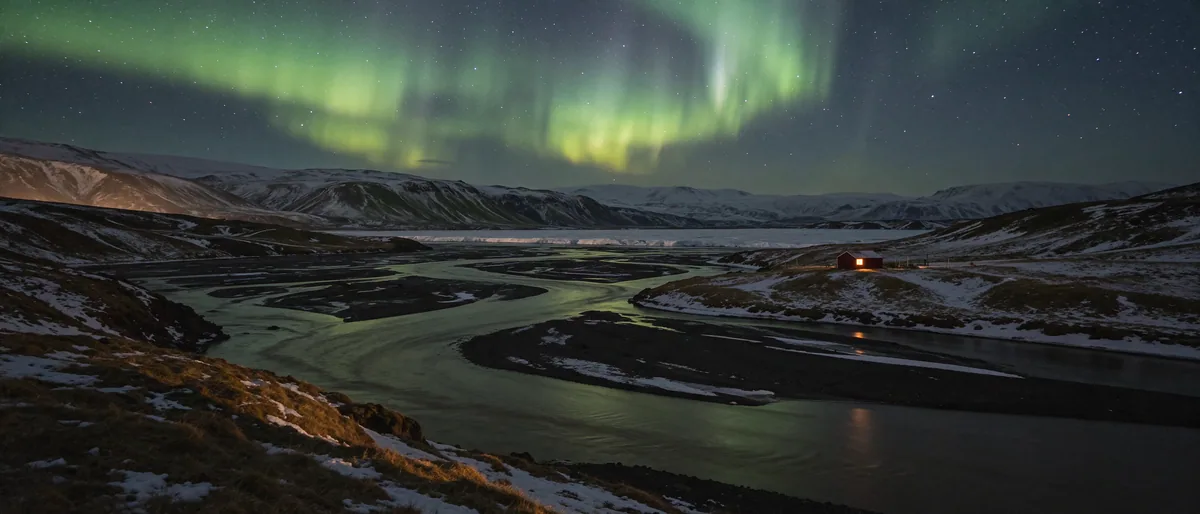
21:9 panorama
Wide panorama of the Icelandic highlands at night, green aurora borealis over snowy mountains, a glacial river reflecting the sky, small red cabin with a lit window, crisp stars, landscape photography
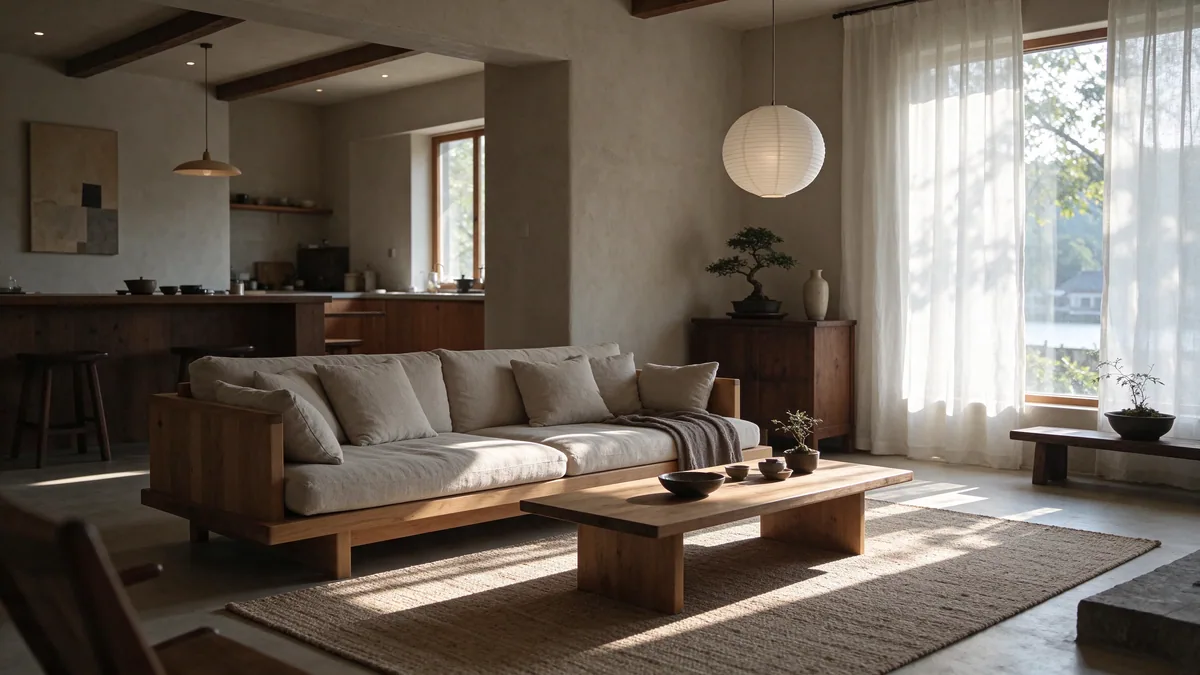
Interior design
Japandi living room in soft morning light, low oak sofa with linen cushions, paper lantern, bonsai on a wooden console, large window with sheer curtains, calm neutral palette, architectural interior photography
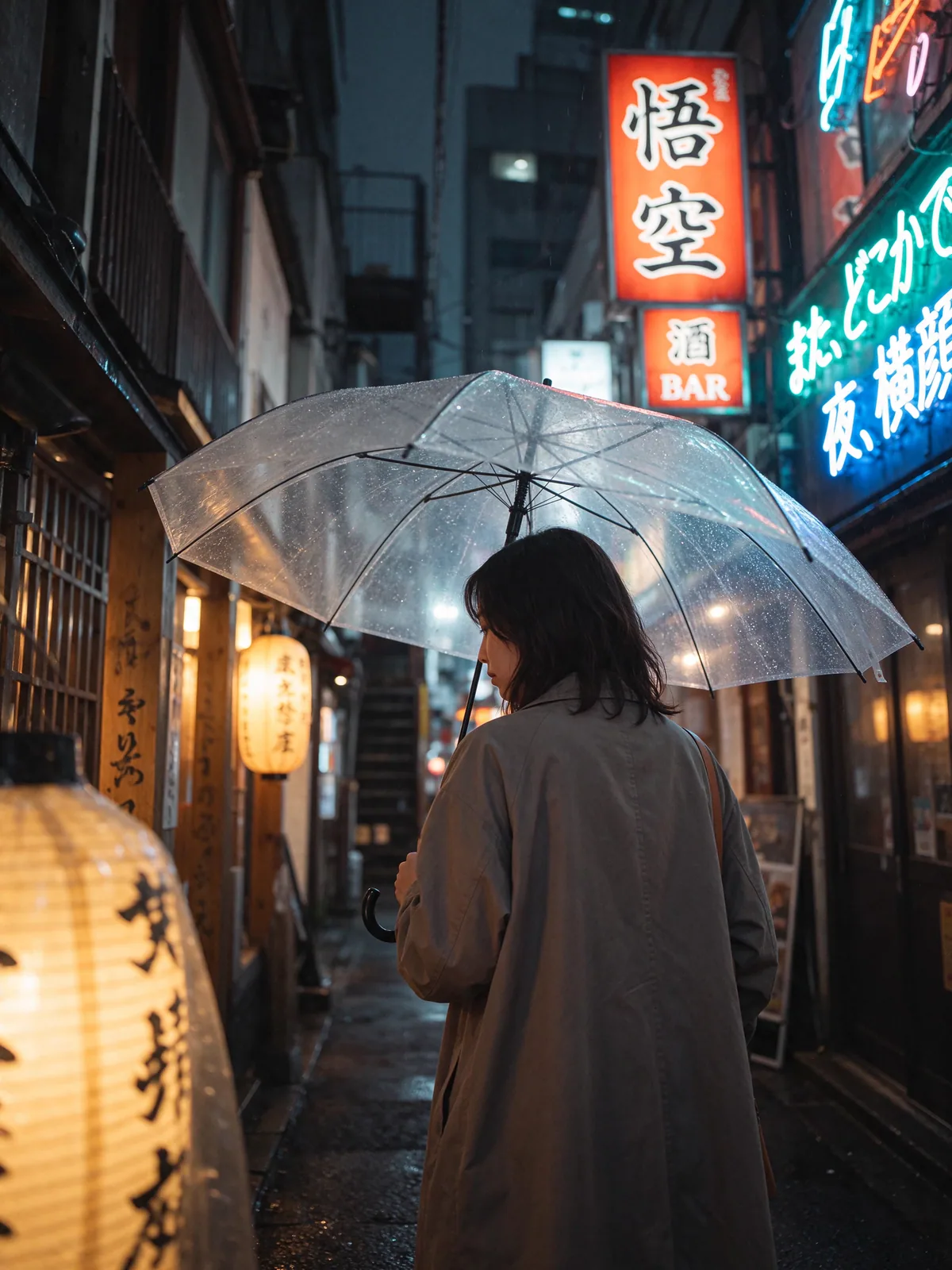
Cinematic street scene
Rainy Tokyo back alley at night, a woman with a clear umbrella walking past glowing neon signs and lanterns, reflections on wet pavement, cinematic color grading, 35mm street photography
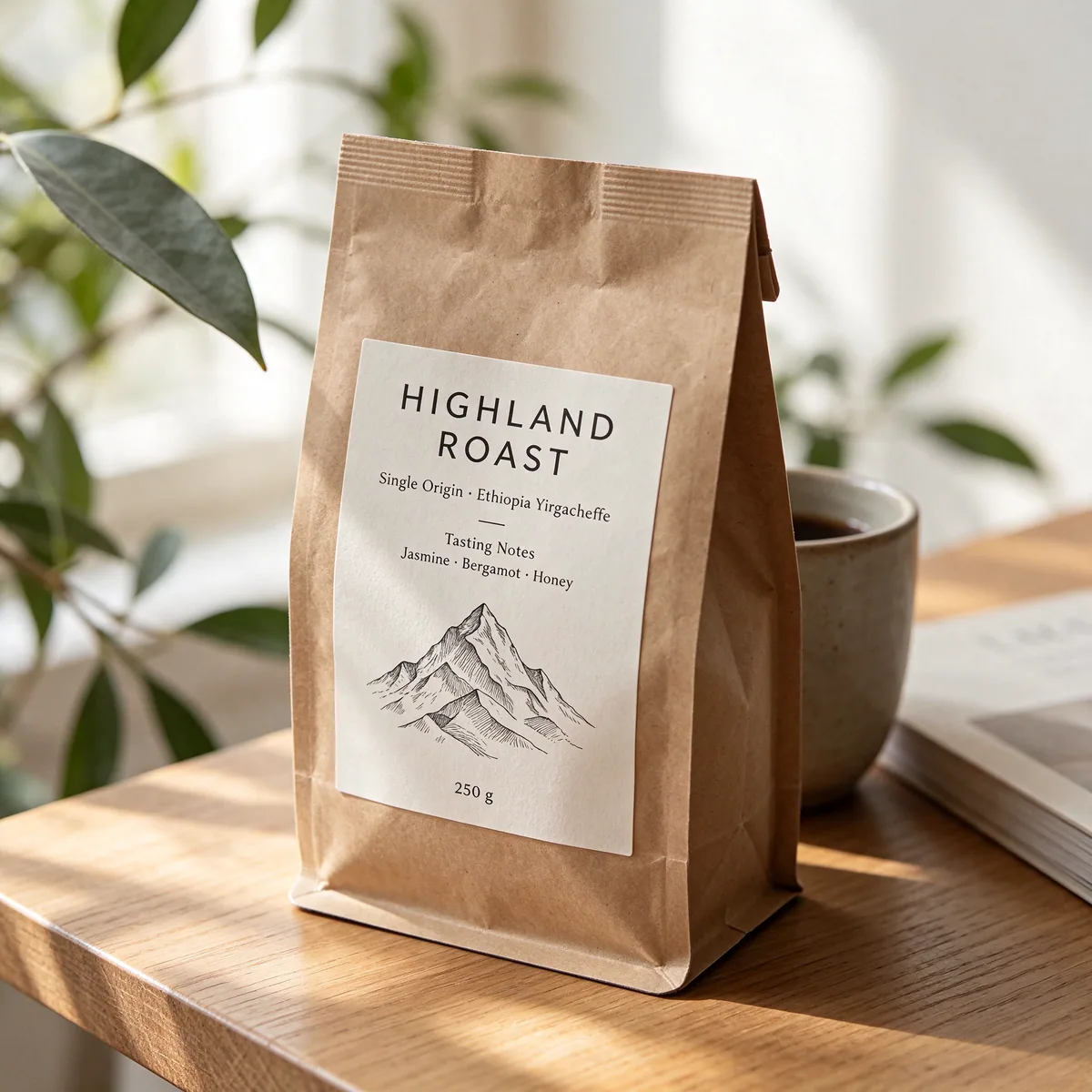
Packaging mockup
Kraft paper specialty coffee bag on a light wooden counter, clean label with the title "HIGHLAND ROAST", text "Single Origin · Ethiopia Yirgacheffe", tasting notes "Jasmine · Bergamot · Honey" and "250 g", minimal line illustration of mountains, soft daylight product photo
What's new
What makes Seedream 5.5 different
ByteDance built Seedream 5.5 around four upgrades: more realistic people, native transparent assets, edits that hold up round after round, and text you can actually read.
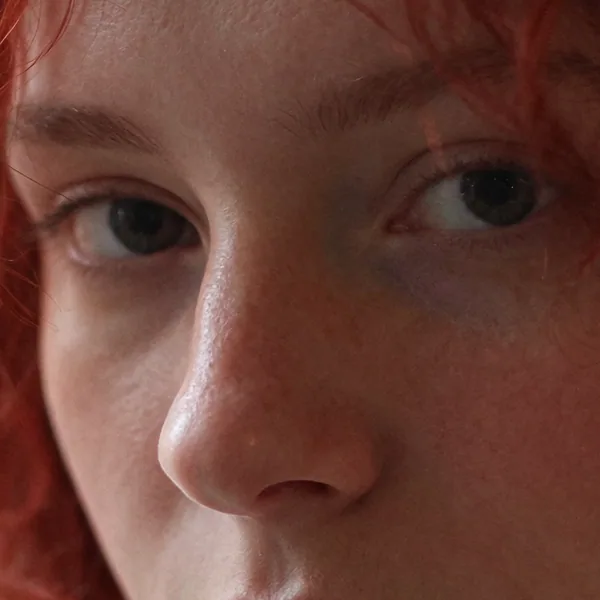
100% crop
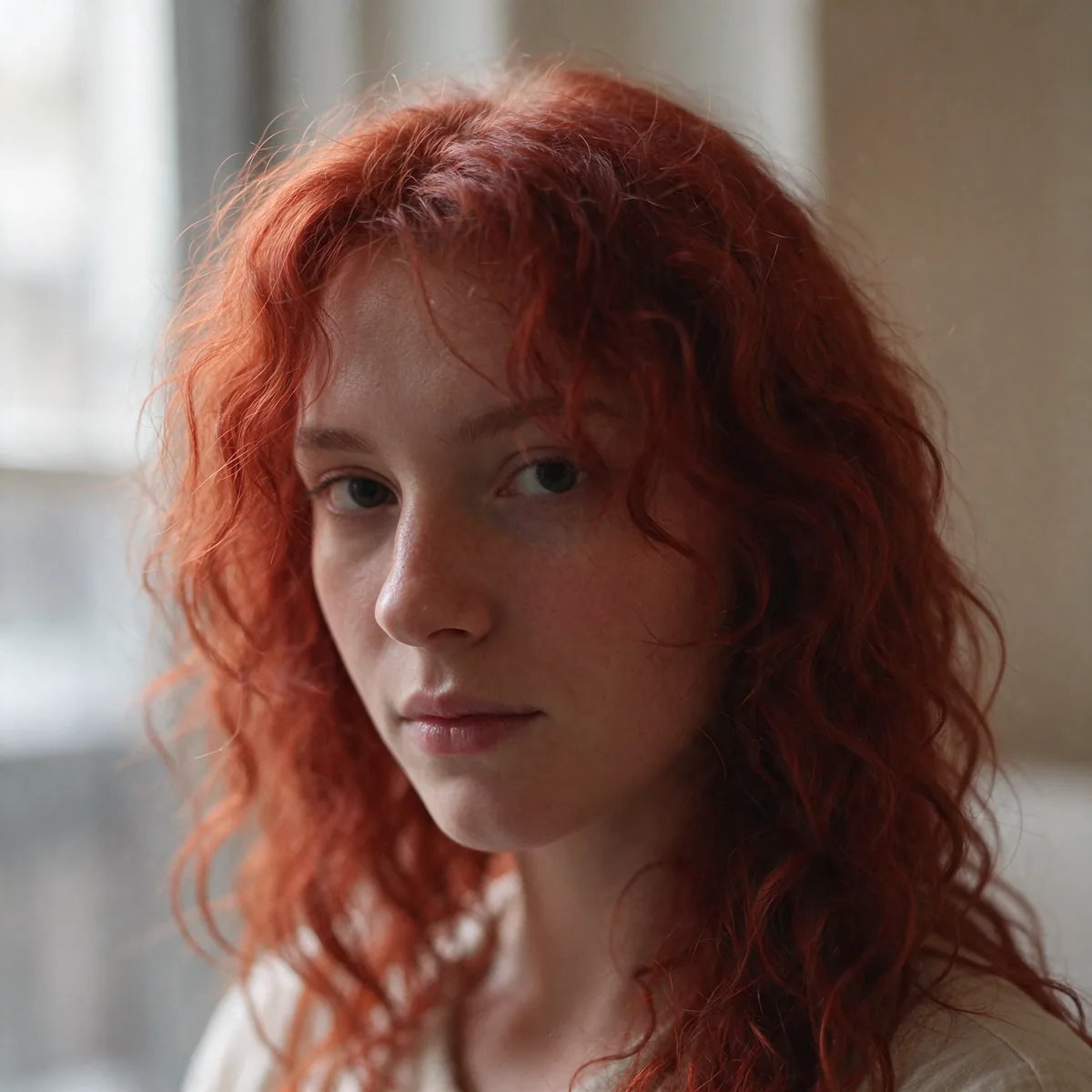
Photorealism
Skin, light and texture that look photographed
Seedream 5.5 renders pores, freckles, fine hair and soft window light the way a camera sees them, instead of the smooth, plastic look common to AI portraits.
Natural skin texture without over-smoothing
Believable lighting, shadows and depth of field
Detail that holds up when you zoom in to 100%
Transparent PNG
Assets with real transparent backgrounds
Seedream 5.5 can output a PNG with a true alpha channel, so products, stickers and icons come out already cut out. No background remover, no rough edges around glass or hair.
Clean edges, even on glass and soft shadows
Drop straight into slides, stores and designs
Works for products, stickers, logos and characters
Preview on:
Multi-round editing
Edit again and again, and nothing drifts
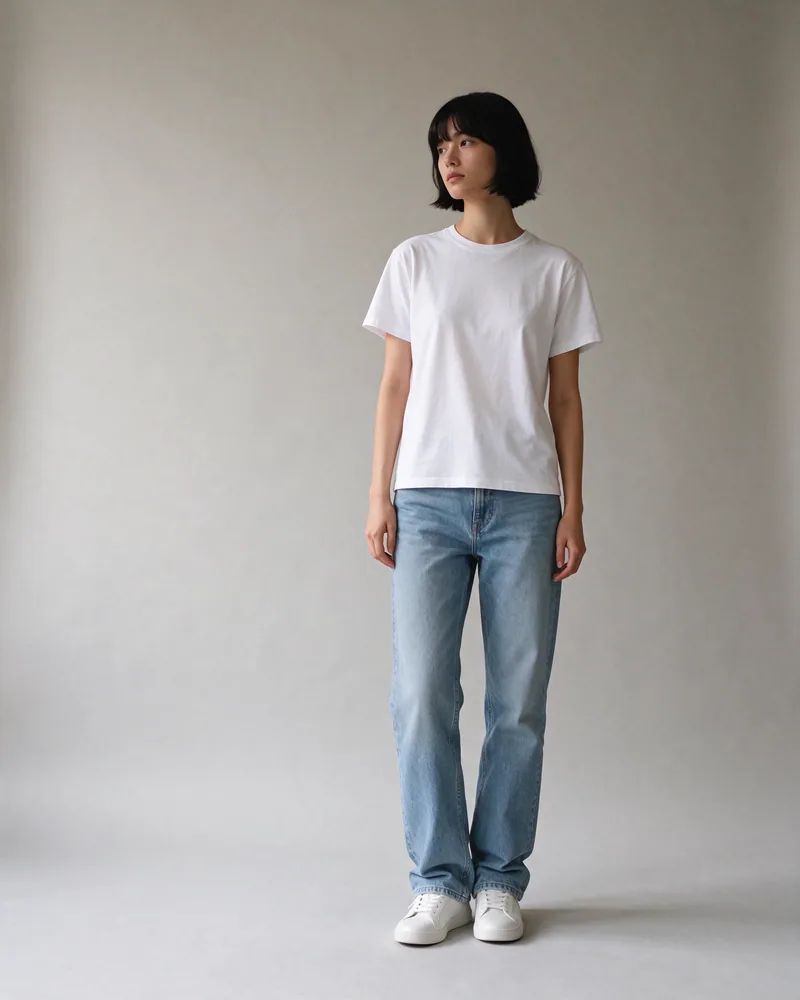
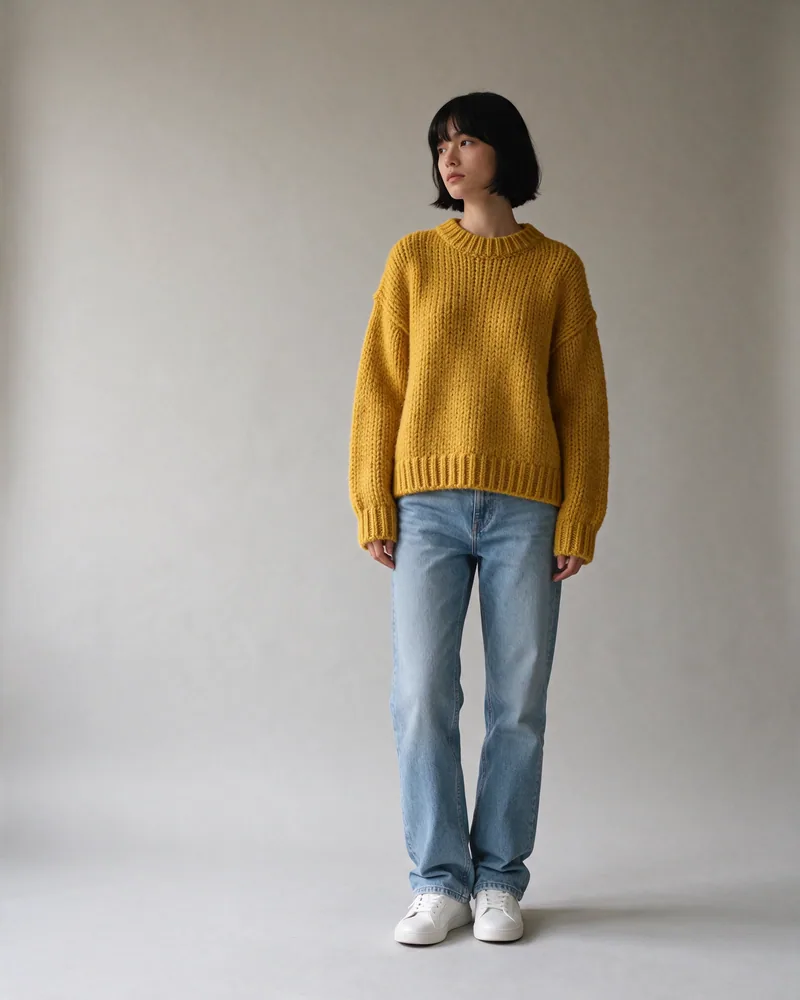
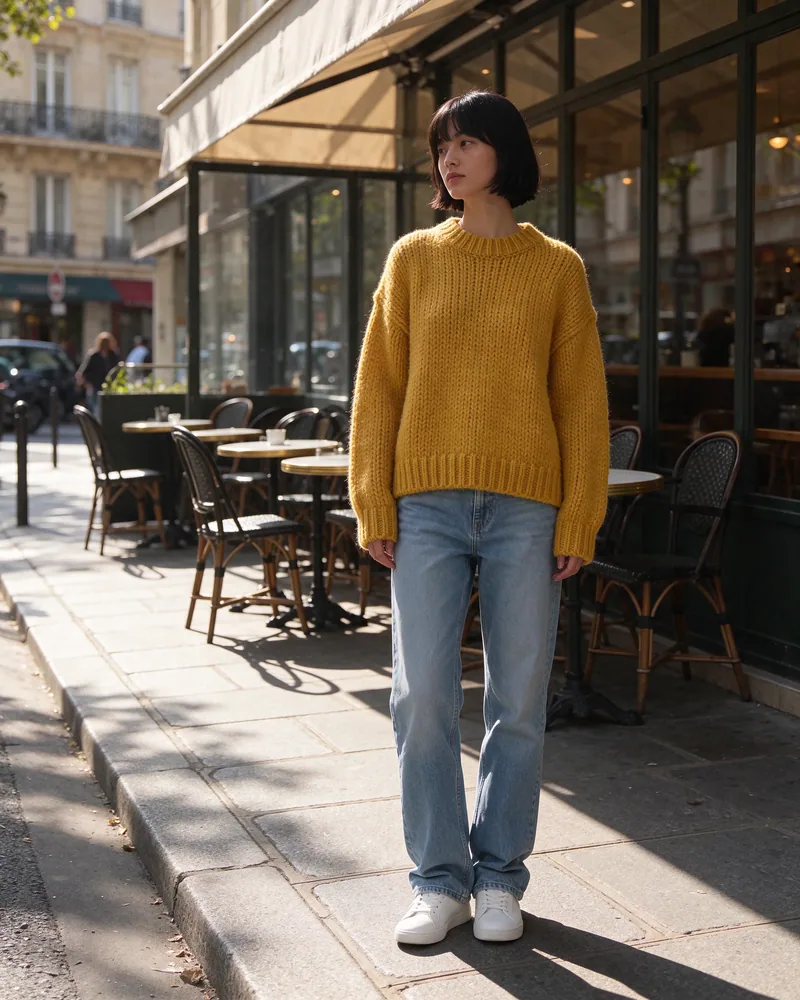
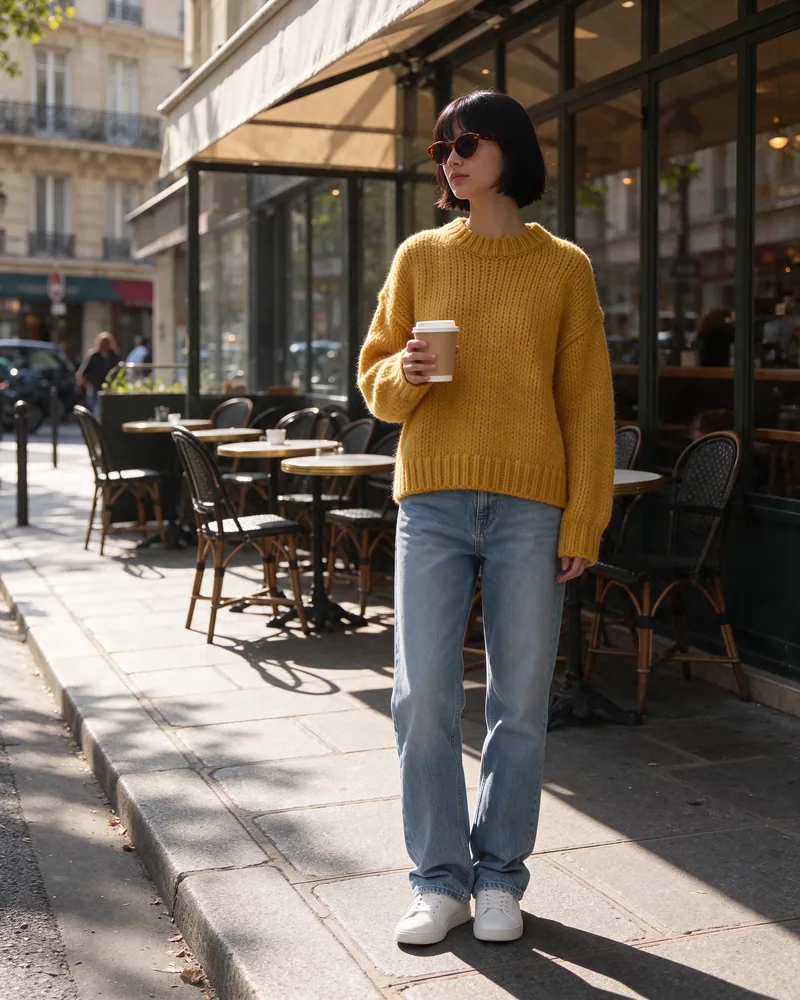
Each Seedream 5.5 edit changes only what you ask for. Below, one photo goes through three edits in a row, each starting from the last result, and her face, hair and pose stay the same throughout.
Original
Generated from text: a woman in a white t-shirt in a studio
Round 1
“Change her white t-shirt to a chunky mustard yellow knit sweater”
Round 2
“Replace the studio background with a sunlit Paris street”
Round 3
“Add round tortoiseshell sunglasses and a paper coffee cup”
Same face and identity in every round
Untouched areas stay put, without color drift
Plain-language instructions, no masks needed
Text rendering
Menus, posters and labels spelled right
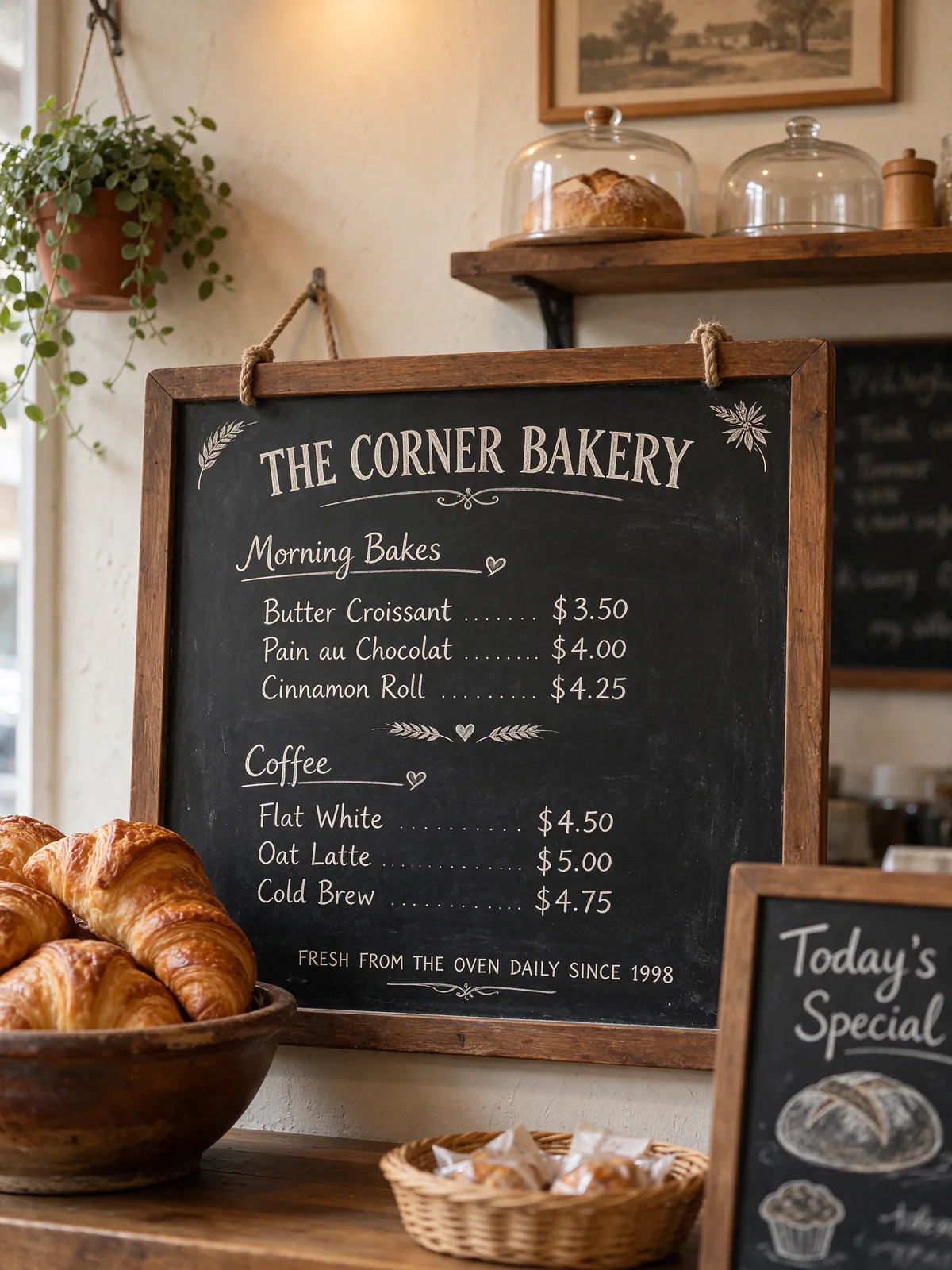
Seedream 5.5 renders headlines and small, dense text accurately, including prices and multi-line lists. Put the exact words in quotes in your prompt and they show up as written.
Clear headlines and small print side by side
Correct numbers, prices and punctuation
Fits the style, from chalk lettering to print
Text in the prompt, rendered word for word:
THE CORNER BAKERY
Butter Croissant $3.50
Pain au Chocolat $4.00
Cinnamon Roll $4.25
Flat White $4.50
Oat Latte $5.00
Cold Brew $4.75
Multi-reference
Combine up to 10 references with Seedream 5.5
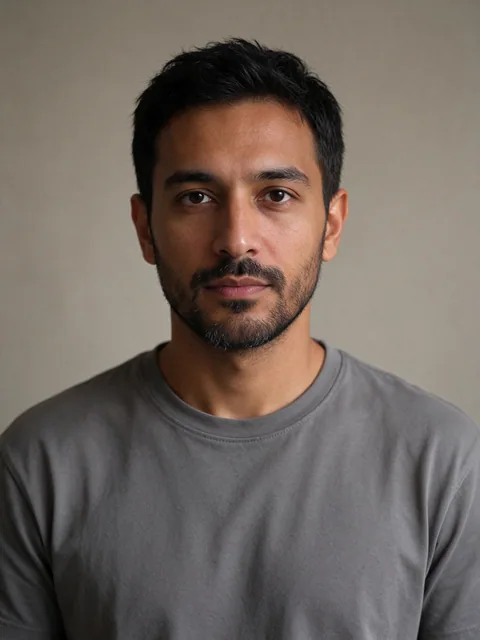
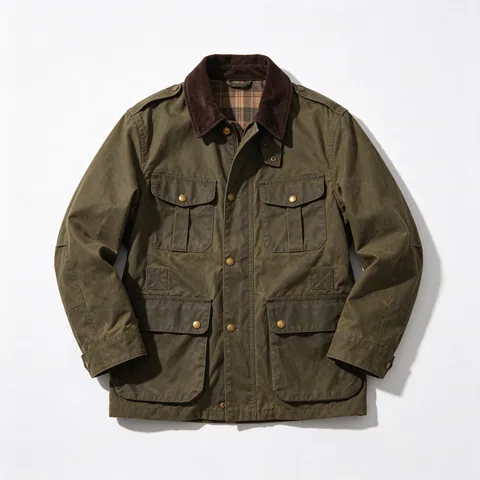
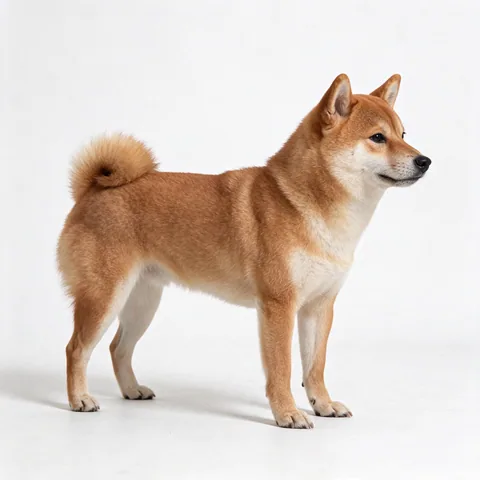
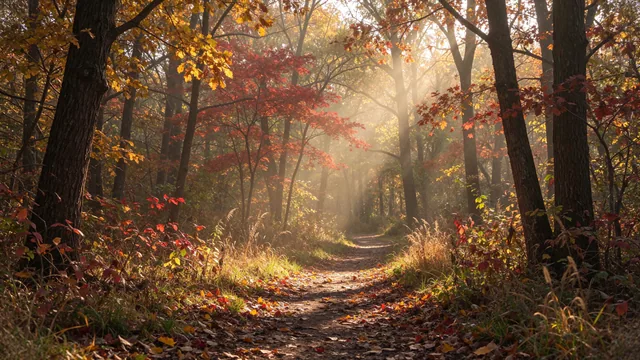
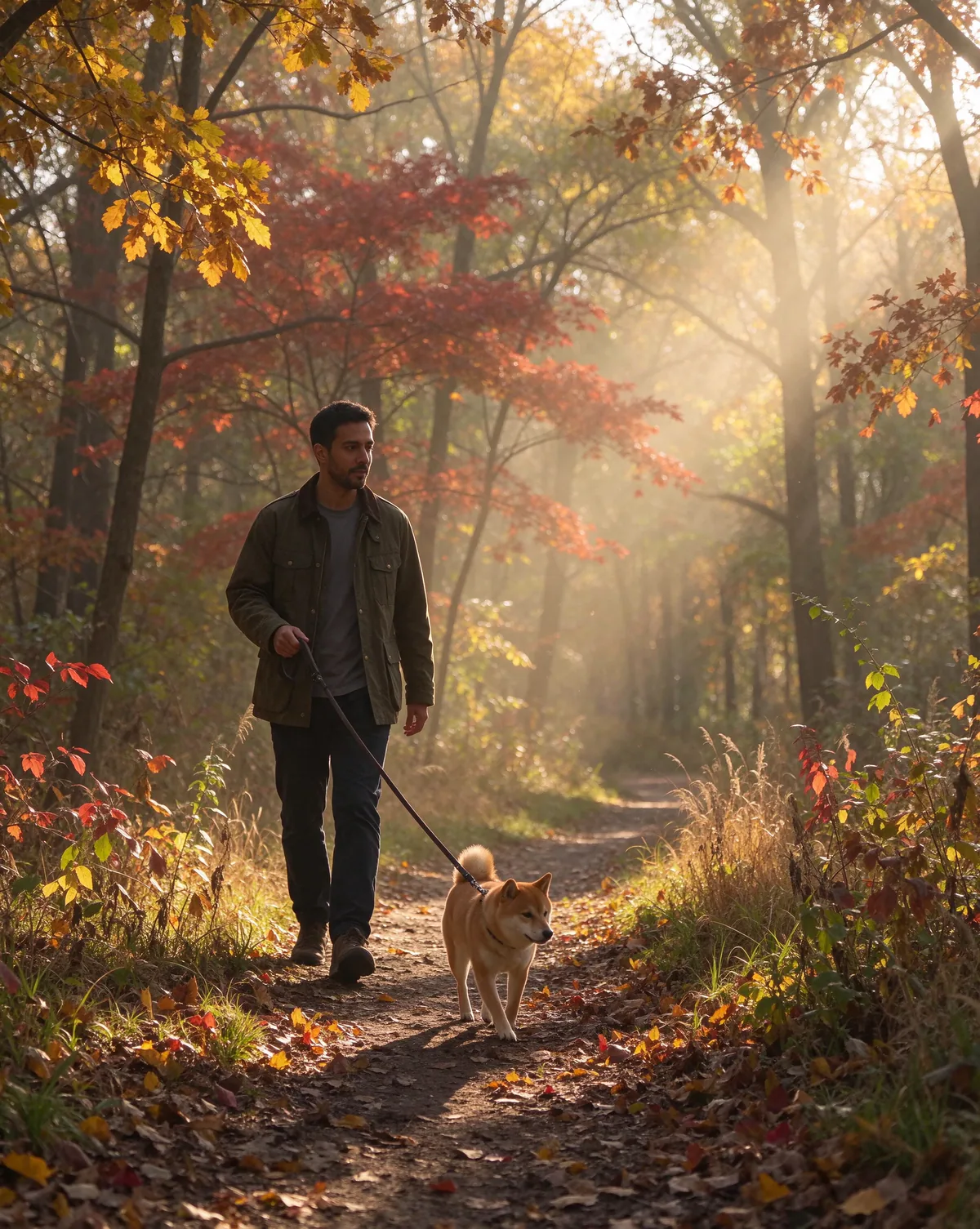
Give it a person, an outfit, a pet and a location, and it puts them together into one consistent scene. Refer to each upload by its number in your prompt.
Image 1 · Person
Image 2 · Jacket
Image 3 · Dog
Image 4 · Location
Prompt
The man from image 1 wearing the olive field jacket from image 2 over his grey t-shirt, walking the shiba inu from image 3 on a leash along the autumn forest trail from image 4, warm afternoon light, candid lifestyle photo
Seedream 5.5 result
Upload your references in the editor above. The prompt is filled in for you.
How it works
How to use Seedream 5.5
Go from idea to final result in three steps, right in your browser.
01
Start from text or a photo
Pick Text to Image to start from a description, or Image to Image to upload up to 10 reference photos to edit or combine.
02
Describe what you want
Write the scene, style and lighting. Put any words you want Seedream 5.5 to render in quotes, and refer to uploads as image 1, image 2 and so on.
03
Pick a size and generate
Choose one of 15 aspect ratios and 1K, 1.5K or 2K resolution, then generate. Keep editing the result until it's exactly right.
FAQ
Seedream 5.5 questions, answered
What the model is, what it costs and how to get the best results.
What is Seedream 5.5?
Seedream 5.5 is ByteDance's latest image generation and editing model, released in November 2026. It works from a text prompt or up to 10 reference photos, with more realistic skin and lighting, accurate text, transparent PNG output and multi-round edits that leave everything else untouched.
How is Seedream 5.5 different from Seedream 5.0?
Compared with Seedream 5.0, Seedream 5.5 looks noticeably more photographic, especially on faces, skin and lighting, renders small and dense text more reliably, adds native transparent backgrounds, and stays stable across many rounds of editing instead of slowly shifting colors and details.
Can Seedream 5.5 create transparent backgrounds?
Yes. Seedream 5.5 can output a PNG with a real alpha channel, so products, stickers, logos and characters come out already isolated, with clean edges even on glass and hair. You can drop them straight into a design without running a background remover.
How many times can I edit the same picture?
As many times as you like. Use Edit on any result to send it back into the editor as the new input, then describe the next change. Seedream 5.5 changes only what you ask for, so faces, products and backgrounds you don't mention stay the same from round to round.
How do I get text spelled correctly?
Put the exact words you want in quotes in your prompt, for example a title, a date and a price, and say where they go. Seedream 5.5 renders headlines and small print accurately, though very long paragraphs may still need a second try.
How many references can Seedream 5.5 use?
Up to 10 per generation in Image to Image mode. Refer to them by number in your prompt, such as "the man from image 1 wearing the jacket from image 2", to combine people, products, outfits and locations in one scene.
How many credits does Seedream 5.5 cost?
With Seedream 5.5, generating from text costs 1 credit at 1K or 1.5K and 2 credits at 2K. Image to Image adds 1 credit for every 2 reference photos. The exact cost always shows on the Generate button before you start.
Which aspect ratios and resolutions does Seedream 5.5 support?
Seedream 5.5 supports 15 aspect ratios, from 1:1, 4:5 and 16:9 to tall 1:3 and wide 21:9 formats, at 1K, 1.5K or 2K resolution, so you can create social posts, posters, banners and panoramas without cropping.
Can I use Seedream 5.5 images commercially?
Free users can use Seedream 5.5 images for personal projects. After buying a subscription or credit pack, you can use them commercially, including in ads, product listings, packaging and client work. Make sure your reference photos don't infringe anyone else's rights.
Create your image with Seedream 5.5
Photoreal portraits, transparent assets, sharp text and edits that stay consistent, all in your browser.